Component library
Accessible patterns 128 components to copy
Interface components built to WCAG 2.2, each one live: use it with a keyboard or a screen reader and watch an inspector show what assistive technology is told. Every pattern comes with its keyboard rules, expected announcements, common failures and the code it runs on.
- Patterns
- 128
- Categories
- 12
- WCAG criteria covered
- 55
Browse
Every pattern
Search by name, by what it does or by WCAG criterion, or start from a category. Each card opens a working component with its keyboard rules and code.
Try
Categories
Most covered
Counts follow your search, so a category with nothing left shows 0.
Navigation
13 patternsGetting around a site and within a page.
-
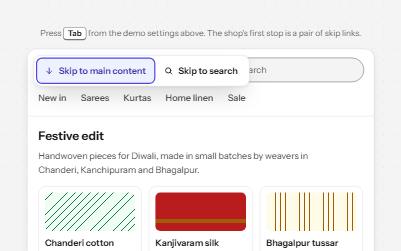
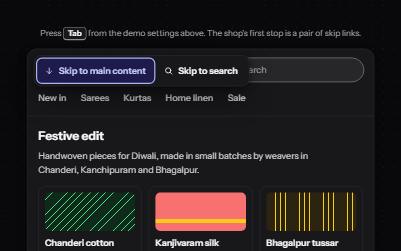
Skip links
Links at the very top of a page that let keyboard users jump past the header to the content or the search.
Navigation
WCAG criteria:2.4.12.1.12.4.32.4.42.4.72.4.11+3
3 keyboard rules
-
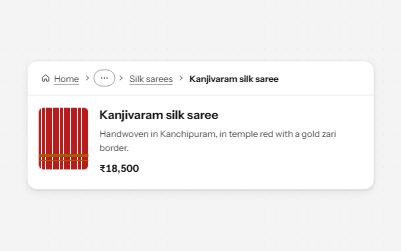
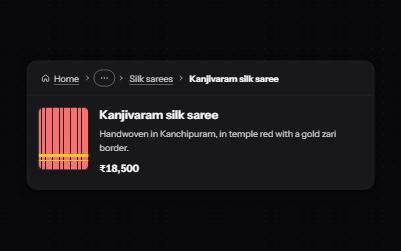
Breadcrumb
A trail of links from the home page to the current one, so people can see where they are and step back up.
Navigation
WCAG criteria:1.3.11.4.11.4.102.4.72.4.84.1.2+3
3 keyboard rules
-
Site navigation with submenus
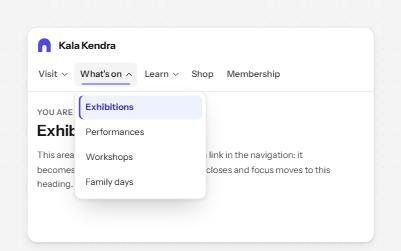
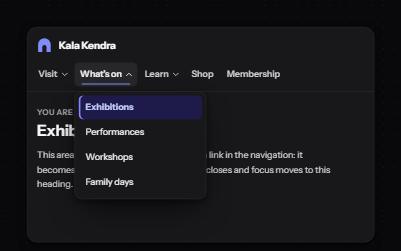
A header navigation whose sections open lists of links, built from buttons and links rather than an ARIA menu.
Navigation
WCAG criteria:1.3.12.1.12.4.32.4.72.4.84.1.2+3
6 keyboard rules
-
Mega menu
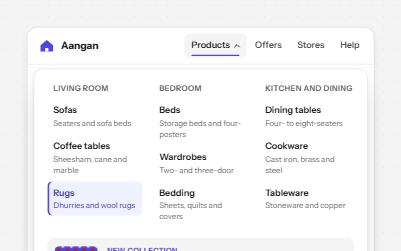
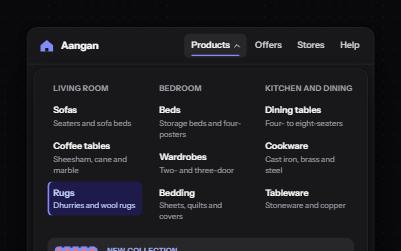
A navigation button that opens a wide panel of grouped links with short descriptions and a featured item.
Navigation
WCAG criteria:1.3.11.3.21.4.102.1.12.4.34.1.2+3
4 keyboard rules
-
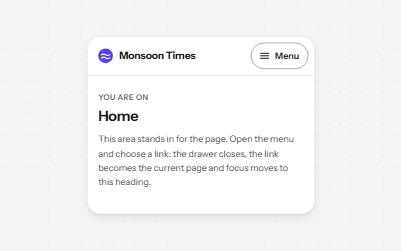
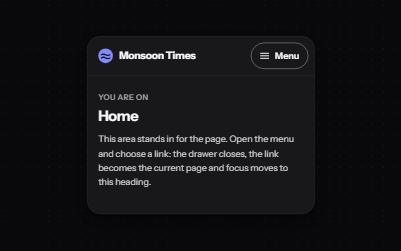
Mobile navigation drawer
A Menu button that opens the site's navigation in a full-height drawer, with nested sections and focus held inside.
Navigation
WCAG criteria:1.3.12.1.12.1.22.4.32.5.84.1.2+3
4 keyboard rules
-
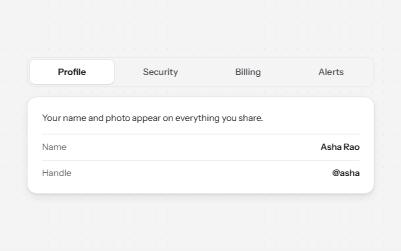
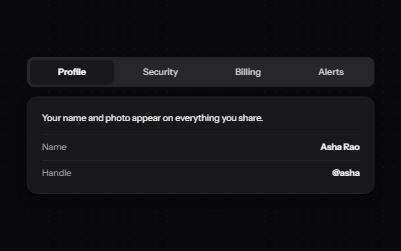
Tabs
Several panels in one place, one shown at a time, chosen from a row of tabs.
Navigation
WCAG criteria:1.3.12.1.12.4.32.4.74.1.2+2
4 keyboard rules
-
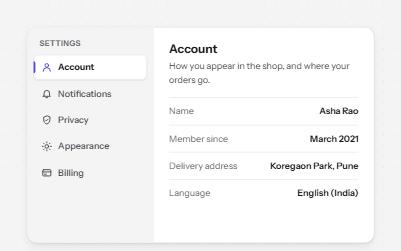
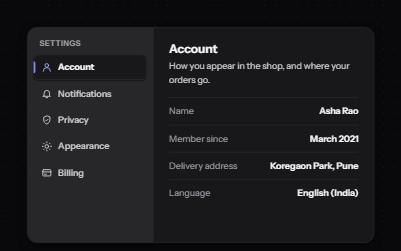
Vertical tabs
Tabs stacked in a side rail, like a settings page, moved through with the Up and Down arrow keys.
Navigation
WCAG criteria:1.3.11.4.12.1.12.4.32.4.74.1.2+3
4 keyboard rules
-
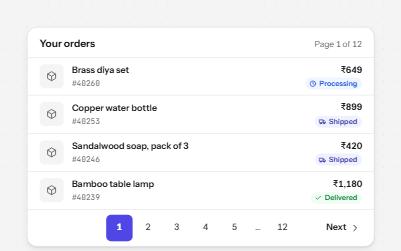
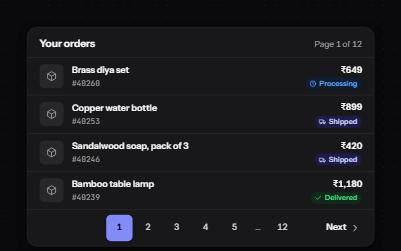
Pagination
Page links in a labelled nav that name each page, mark the current one, and say when the list changes.
Navigation
WCAG criteria:1.3.11.4.12.4.42.5.84.1.24.1.3+3
2 keyboard rules
-
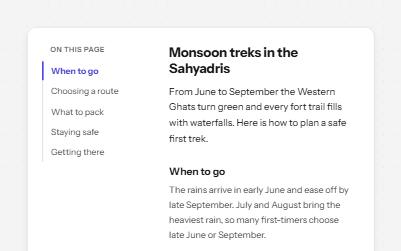
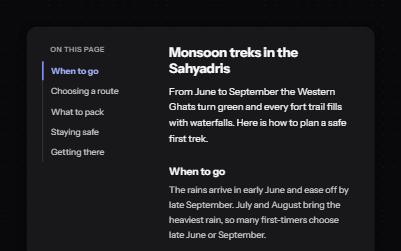
Table of contents
An "On this page" list that jumps to each section, moves focus there, and marks the section you are reading.
Navigation
WCAG criteria:1.3.12.1.12.4.32.4.82.4.112.3.34.1.2+4
5 keyboard rules
-
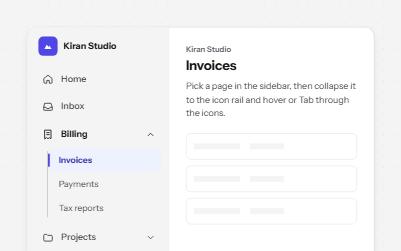
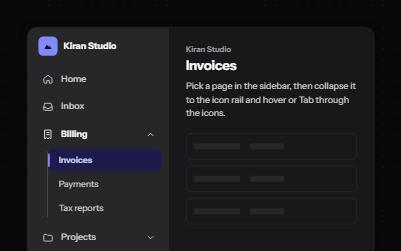
Sidebar navigation
An app sidebar with grouped links that open and close, and a collapsed icon rail where every link keeps its name.
Navigation
WCAG criteria:1.3.11.4.11.4.132.5.34.1.24.1.3+3
5 keyboard rules
-
Back to top
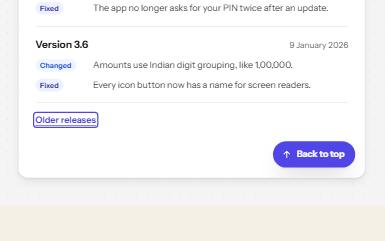
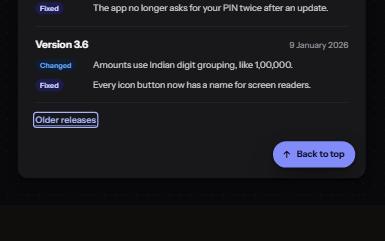
A button that appears once you have scrolled down, takes you back to the top and puts focus on the first heading.
Navigation
WCAG criteria:2.1.12.3.32.4.32.4.72.4.112.5.8+3
3 keyboard rules
-
Language switcher
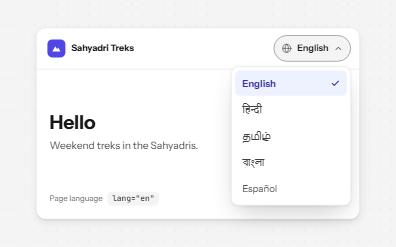
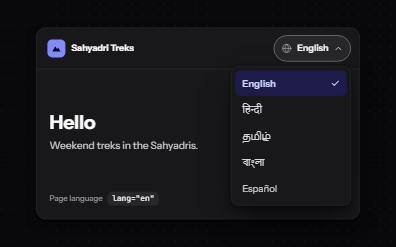
A button that opens a list of languages, each written in its own language and marked with lang and hreflang.
Navigation
WCAG criteria:1.3.12.1.12.4.33.1.13.1.24.1.2+3
5 keyboard rules
-
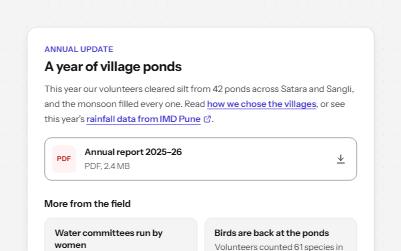
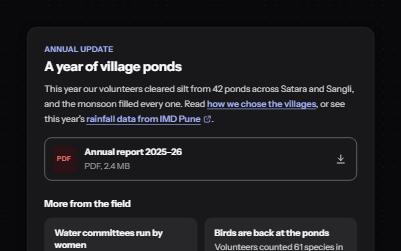
Links that say where they go
Links whose words say where they go: in text, to another site, to a download, and "Read more" made specific.
Navigation
WCAG criteria:1.4.12.4.42.4.92.4.72.5.33.2.54.1.2+4
3 keyboard rules
Buttons and actions
11 patternsControls that do something, alone or in groups.
-
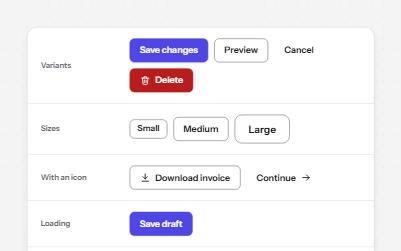
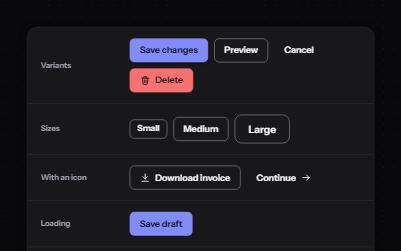
Button
Native buttons in four variants and three sizes, with a loading state that keeps focus and a disabled state that says why.
Buttons and actions
WCAG criteria:1.4.12.1.12.4.72.5.32.5.84.1.24.1.3+4
4 keyboard rules
-
Icon button
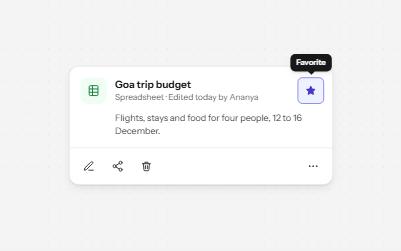
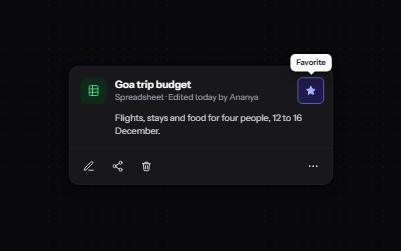
Buttons that show only an icon, named with aria-label, 44 pixels square, with a tooltip on hover and focus that repeats the name.
Buttons and actions
WCAG criteria:1.1.11.4.111.4.132.4.72.5.84.1.24.1.3+4
3 keyboard rules
-
Toggle button
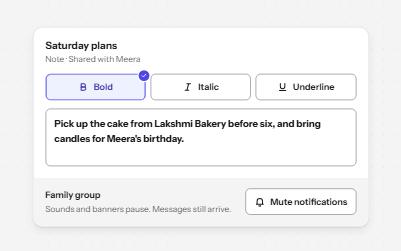
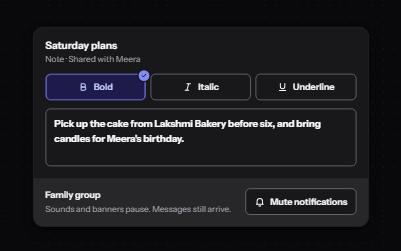
Buttons that stay on or off, like Bold or Mute, with aria-pressed reporting the state while the label stays the same.
Buttons and actions
WCAG criteria:1.4.11.4.112.1.12.4.74.1.24.1.3+3
3 keyboard rules
-
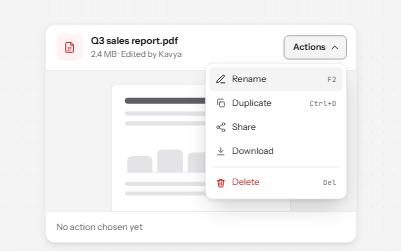
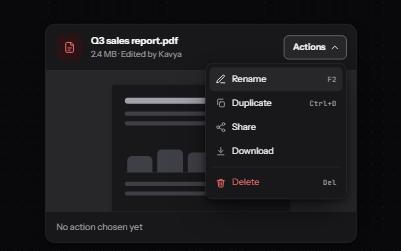
Menu button
A button that opens a list of actions, moved through with the arrow keys and closed with Escape, focus going back to the button.
Buttons and actions
WCAG criteria:1.3.11.4.12.1.12.4.32.4.74.1.24.1.3+4
8 keyboard rules
-
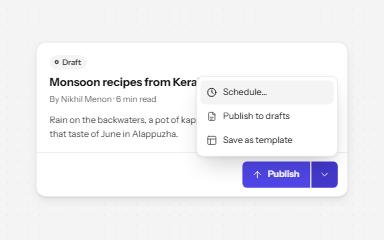
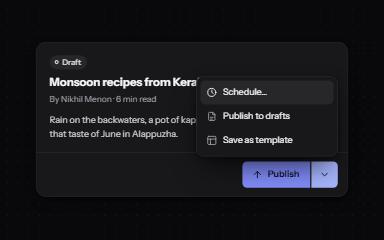
Split button
A main action joined to an arrow that opens related options: two buttons, two tab stops, two clear names.
Buttons and actions
WCAG criteria:1.4.112.1.12.4.32.4.62.5.84.1.24.1.3+4
7 keyboard rules
-
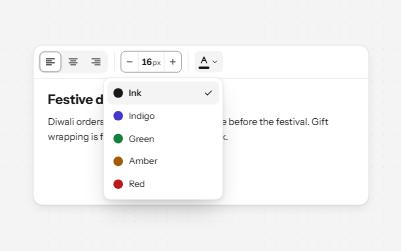
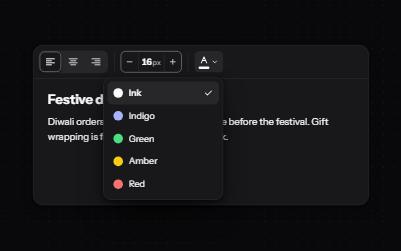
Toolbar
A named row of controls that is one stop in the Tab order, with arrow keys moving between alignment, size and color.
Buttons and actions
WCAG criteria:1.3.11.4.11.4.132.1.12.4.32.4.74.1.2+4
7 keyboard rules
-
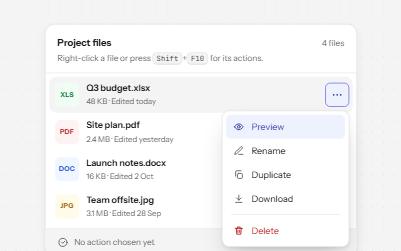
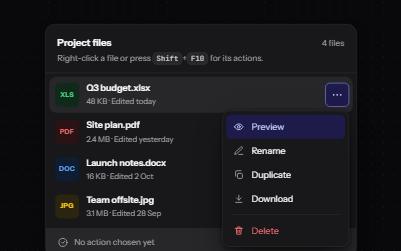
Context menu
A menu of actions for one item, opened by right-click, Shift+F10 or the Menu key, and always by a visible button too.
Buttons and actions
WCAG criteria:1.3.12.1.12.4.32.4.74.1.24.1.3+3
6 keyboard rules
-
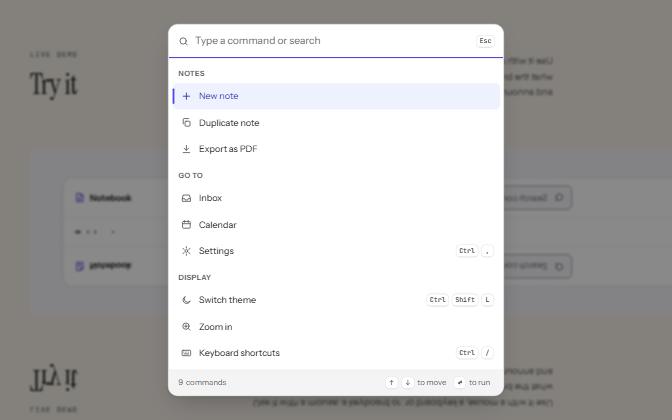
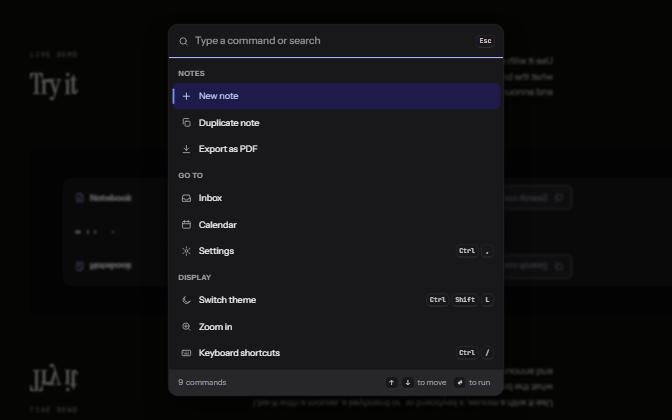
Command palette
A searchable list of commands, opened with Ctrl+K or a button, that filters as you type and runs the highlighted one.
Buttons and actions
WCAG criteria:1.3.11.4.12.1.12.1.42.4.34.1.24.1.3+4
7 keyboard rules
-
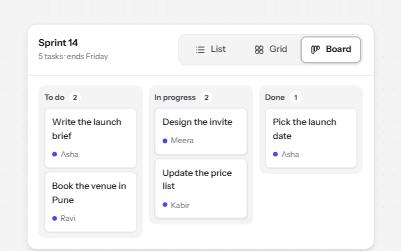
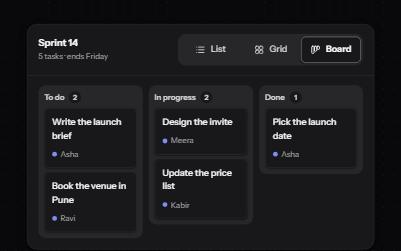
Segmented control
A row of joined segments for picking one of a few views, built from real radio buttons in a fieldset.
Buttons and actions
WCAG criteria:1.3.11.4.11.4.112.1.12.4.72.5.84.1.2+4
4 keyboard rules
-
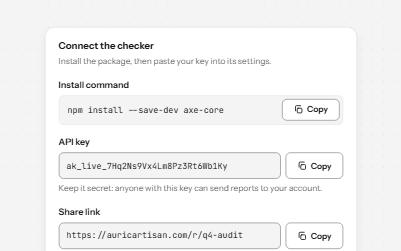
Copy to clipboard
A button that copies a command, key or link, confirms it on the button and in a status message, and says what to do if it fails.
Buttons and actions
WCAG criteria:1.3.11.4.12.1.12.5.34.1.24.1.3+3
3 keyboard rules
-
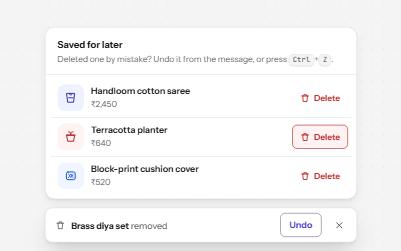
Destructive action with undo
Delete at once and offer Undo in a toast that waits while you use it, instead of asking Are you sure? first.
Buttons and actions
WCAG criteria:2.1.12.2.12.4.33.3.44.1.24.1.3+3
5 keyboard rules
Overlays
9 patternsContent that opens over the page: dialogs, drawers, popovers, tooltips.
-
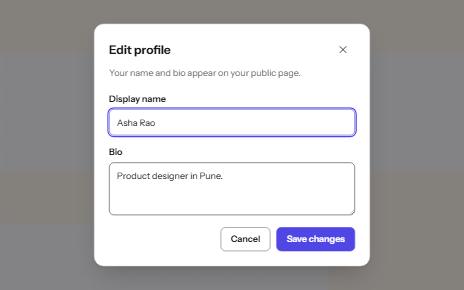
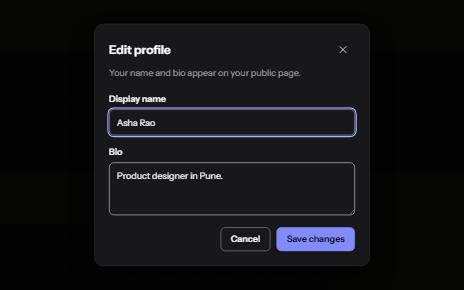
Modal dialog
A window over the page that holds focus until it is closed, built on the native dialog element.
Overlays
WCAG criteria:1.3.12.1.12.1.22.4.32.4.74.1.24.1.3+4
4 keyboard rules
-
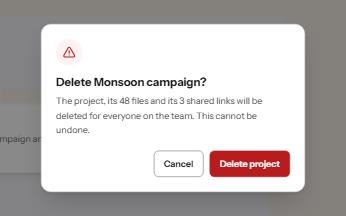
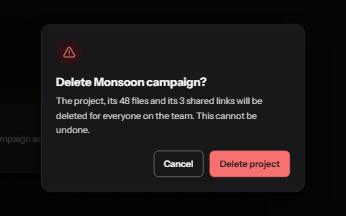
Alert dialog
A modal that stops to confirm something that cannot be undone, with focus on the safe answer and the cost in plain words.
Overlays
WCAG criteria:1.3.12.4.33.3.13.3.44.1.24.1.3+3
4 keyboard rules
-
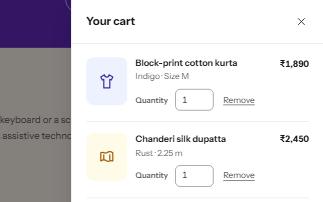

Drawer
A panel that slides in from the side of the screen for a cart, filters or settings, built on a modal dialog.
Overlays
WCAG criteria:1.3.12.1.22.4.32.4.111.4.104.1.24.1.3+4
5 keyboard rules
-
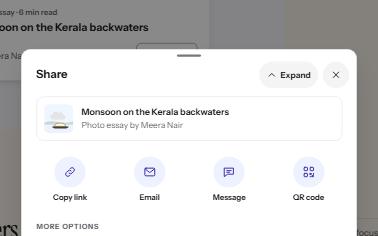
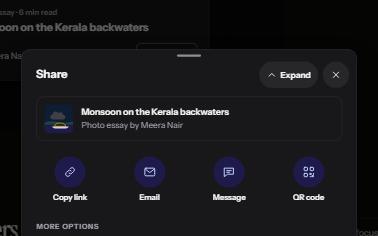
Bottom sheet
A panel that rises from the bottom edge for a short set of choices, with a close button and a button for every gesture.
Overlays
WCAG criteria:2.1.12.4.32.5.12.5.72.5.84.1.24.1.3+4
5 keyboard rules
-
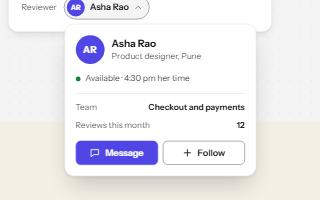

Popover
A card anchored to its button, opened with the popover attribute and dismissed by Escape or a click outside.
Overlays
WCAG criteria:1.3.21.4.102.1.12.4.34.1.24.1.3+3
4 keyboard rules
-
Tooltip
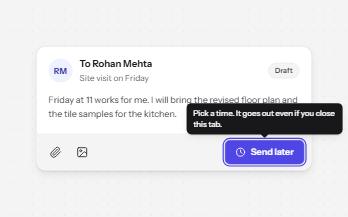
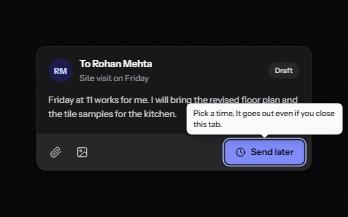
A short label or hint that appears on hover and keyboard focus, stays while you read it, and hides on Escape.
Overlays
WCAG criteria:1.1.11.4.132.1.12.4.114.1.2+2
2 keyboard rules
-
Toggletip
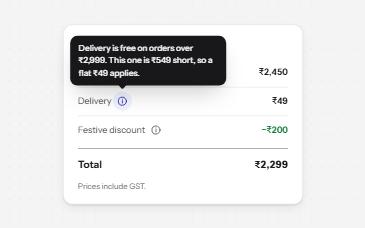
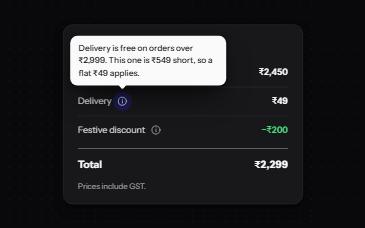
An info button that shows a short note when pressed and has it announced, for help that a label cannot hold.
Overlays
WCAG criteria:1.1.12.1.12.5.84.1.24.1.31.4.11+3
3 keyboard rules
-
Non-modal dialog
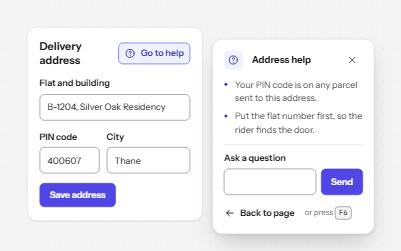
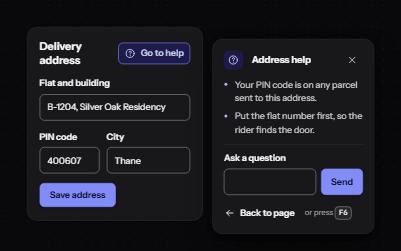
A panel that opens beside the page without blocking it, for help or tools people use while they keep working.
Overlays
WCAG criteria:2.1.12.1.22.4.32.4.114.1.24.1.3+3
4 keyboard rules
-
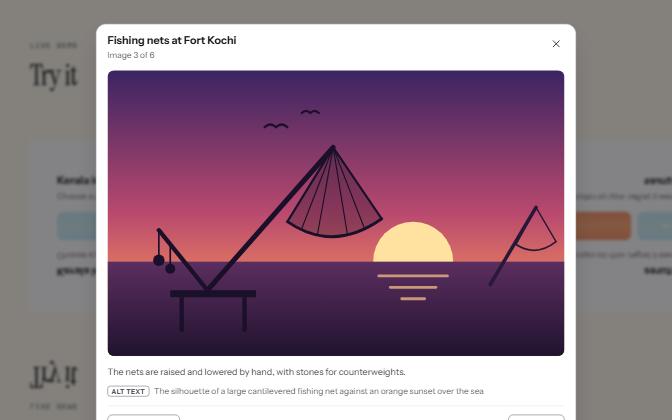

Image lightbox
A grid of thumbnails that opens each picture large in a modal viewer, with its caption, alt text and arrow keys to move on.
Overlays
WCAG criteria:1.1.12.1.12.1.22.4.32.5.14.1.24.1.3+4
5 keyboard rules
Disclosure and content
10 patternsContent that expands, rotates or groups.
-
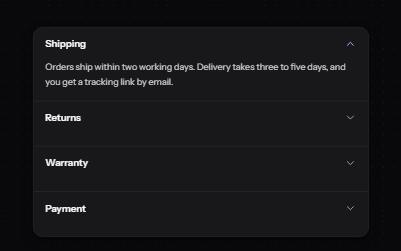
Accordion
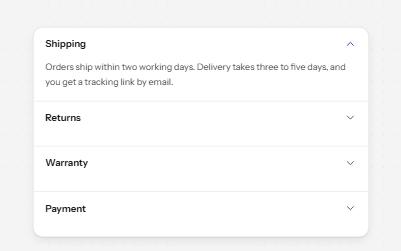
Stacked headings that each show or hide a panel, so a long page reads as a short list.
Disclosure and content
WCAG criteria:1.3.12.1.12.4.32.4.74.1.2+2
4 keyboard rules
-
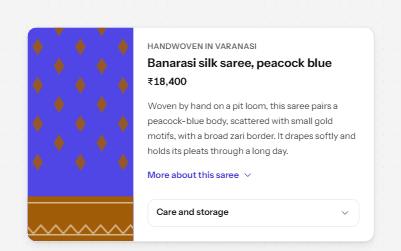
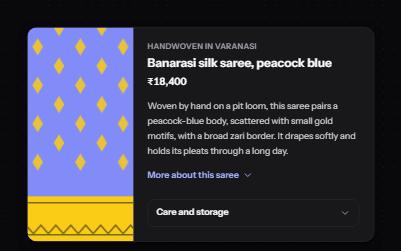
Show more
A button that reveals the rest of a long text in place, with the hidden part still reachable by find-in-page.
Disclosure and content
WCAG criteria:1.3.22.1.12.4.32.4.72.5.84.1.2+3
2 keyboard rules
-
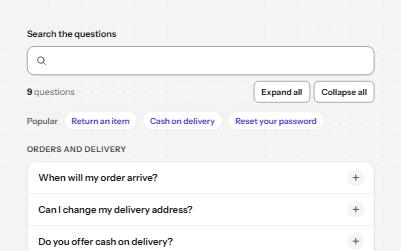
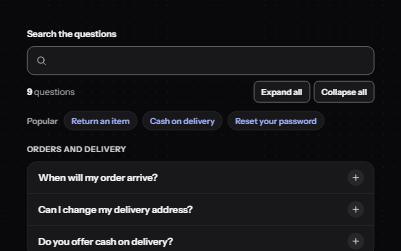
FAQ
Questions grouped by topic that open their answers, with live search, expand all, and links that open any question.
Disclosure and content
WCAG criteria:1.3.12.1.12.4.33.2.24.1.24.1.3+3
4 keyboard rules
-


Carousel
Rotating slides with pause, previous, next and a slide picker, that stop moving while someone is reading or using them.
Disclosure and content
WCAG criteria:2.2.22.1.12.4.32.3.34.1.24.1.32.5.8+4
4 keyboard rules
-
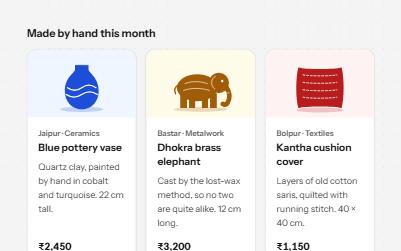
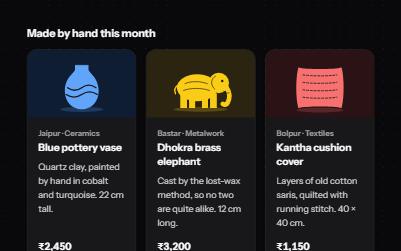
Card
Cards whose title link covers the whole card, with Save and Share buttons that stay reachable on top of it.
Disclosure and content
WCAG criteria:1.3.11.3.22.4.42.4.72.5.34.1.24.1.3+4
3 keyboard rules
-
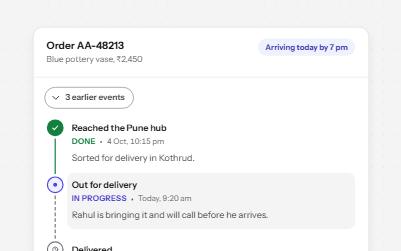
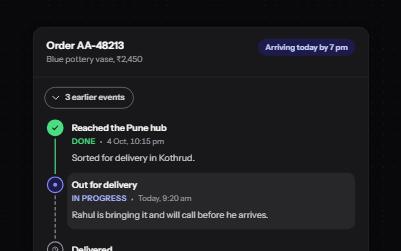
Timeline
Order tracking as an ordered list: each step with its time, status in words and icons, and older events behind a button.
Disclosure and content
WCAG criteria:1.3.11.3.21.4.11.4.114.1.2+2
2 keyboard rules
-
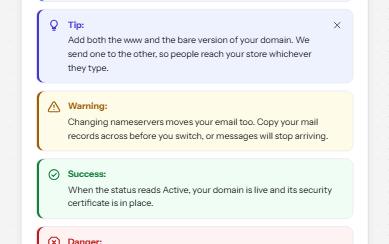
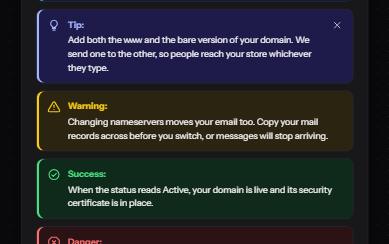
Callout
Notes, tips, warnings, successes and dangers set apart from the text, each with an icon and a word that says which.
Disclosure and content
WCAG criteria:1.3.11.4.11.4.32.4.32.5.84.1.24.1.3+4
2 keyboard rules
-
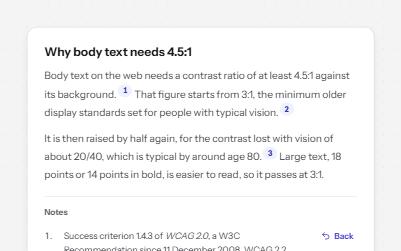
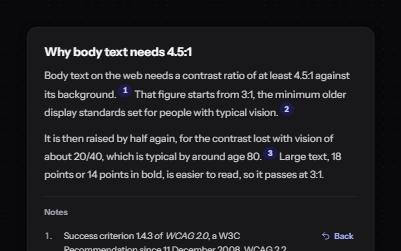
Footnotes
Numbered references in the text that jump to notes at the end, and links in each note that jump back.
Disclosure and content
WCAG criteria:1.3.12.1.12.4.32.4.42.4.7+2
3 keyboard rules
-
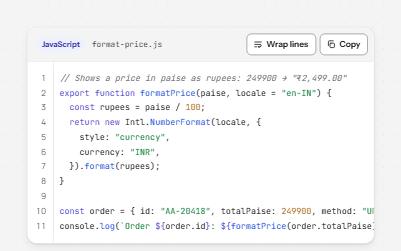
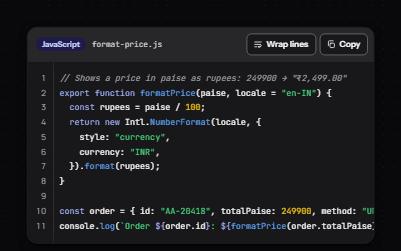
Code block
A code sample with its language, a Copy button, a Wrap lines switch and line numbers that are never read or copied.
Disclosure and content
WCAG criteria:1.3.11.4.31.4.102.1.14.1.24.1.3+3
4 keyboard rules
-
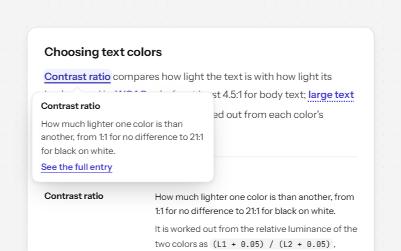
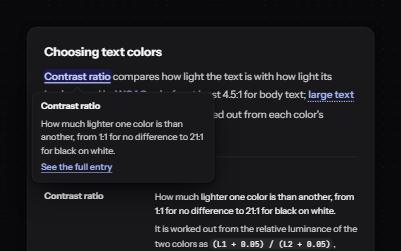
Glossary term
Technical terms in running text that open a short definition in place, backed by a full glossary with links both ways.
Disclosure and content
WCAG criteria:1.3.11.4.132.1.13.1.33.1.44.1.24.1.3+4
4 keyboard rules
Form inputs
22 patternsSingle controls for entering and choosing values.
-
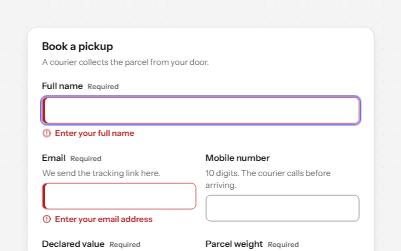
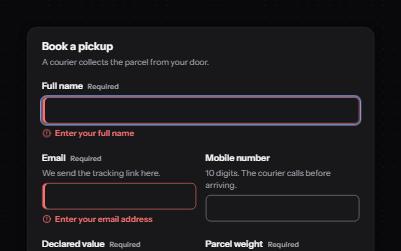
Text field
Text fields with visible labels, hints and errors tied to the input, the right keyboard and autofill, and units you can hear.
Form inputs
WCAG criteria:1.3.11.3.51.4.13.3.13.3.23.3.34.1.2+4
3 keyboard rules
-
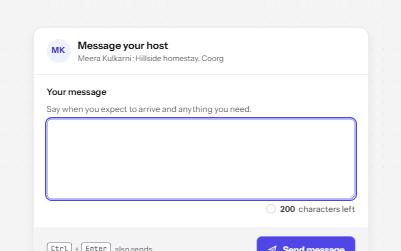
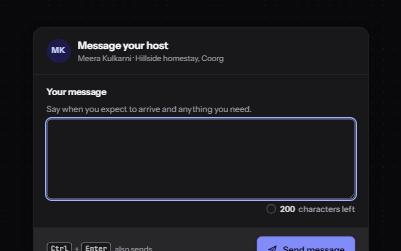
Text area with character count
A text area with a visible character count that speaks only at thresholds, never cuts text off, and blocks sending when over.
Form inputs
WCAG criteria:1.3.11.4.13.3.13.3.23.3.34.1.3+3
3 keyboard rules
-
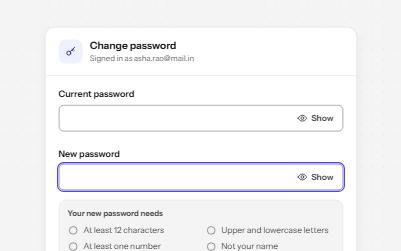
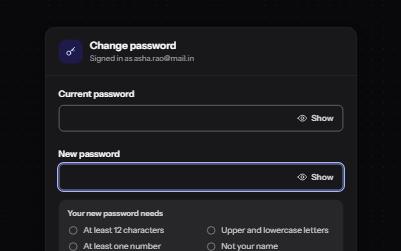
Password field
A password input with a Show toggle that keeps focus in place, a live requirements checklist, and a Caps Lock warning.
Form inputs
WCAG criteria:1.3.11.3.51.4.13.3.13.3.84.1.24.1.3+4
4 keyboard rules
-
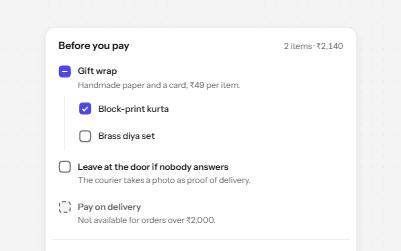
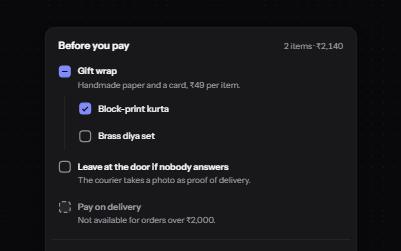
Checkbox
Native checkboxes drawn to match your design, with whole-row targets, a description per option, a mixed state and a required one.
Form inputs
WCAG criteria:1.3.11.4.11.4.112.5.83.3.13.3.24.1.2+4
4 keyboard rules
-
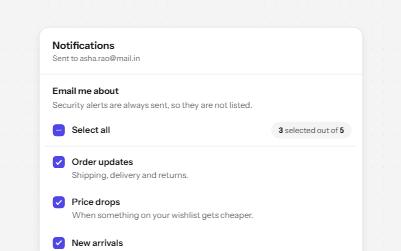
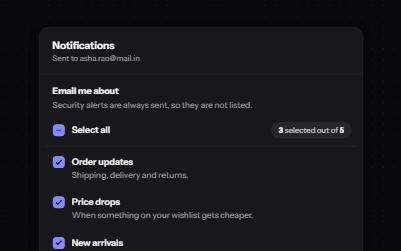
Checkbox group with select all
A fieldset of related checkboxes with a Select all box that shows a mixed state and a live count of what is chosen.
Form inputs
WCAG criteria:1.3.11.4.11.4.112.5.84.1.24.1.3+3
4 keyboard rules
-
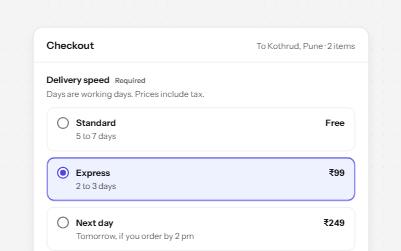
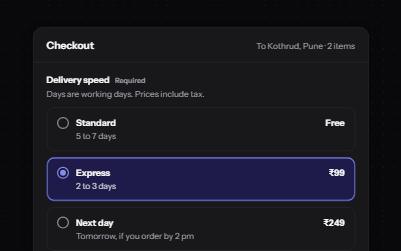
Radio group
Native radio buttons in a fieldset, restyled with a dot that keeps its contrast, each option with a description and a price.
Form inputs
WCAG criteria:1.3.11.4.11.4.112.1.12.5.83.3.14.1.2+4
5 keyboard rules
-
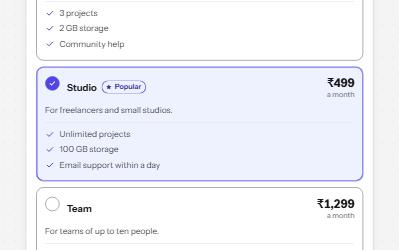
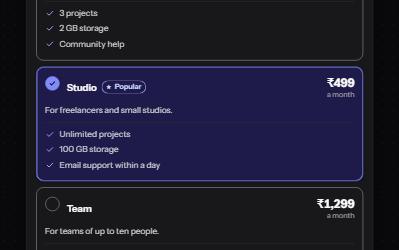
Radio cards
A plan picker where each choice is a large card, built from native radio buttons so arrows, focus and state come free.
Form inputs
WCAG criteria:1.3.11.4.11.4.112.1.12.4.73.3.14.1.2+4
5 keyboard rules
-
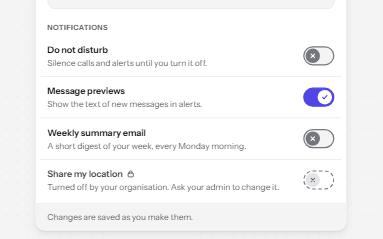
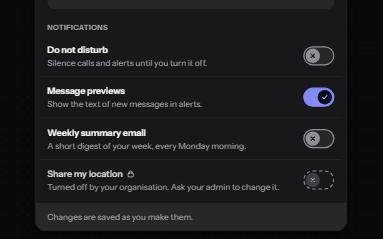
Switch
An on and off control for settings that take effect at once, built on a checkbox with the switch role.
Form inputs
WCAG criteria:1.3.11.4.11.4.112.4.72.5.84.1.24.1.3+4
2 keyboard rules
-
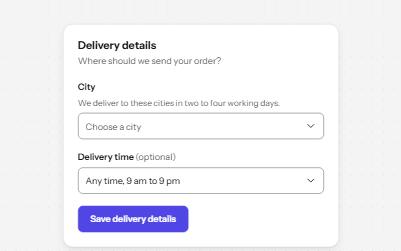
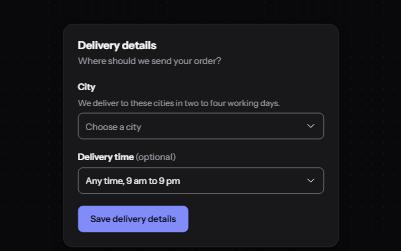
Select
A styled native select with a label, hint, region groups, a placeholder and a required error, drawn by the browser.
Form inputs
WCAG criteria:1.3.11.4.112.1.12.4.73.3.13.3.24.1.2+4
6 keyboard rules
-
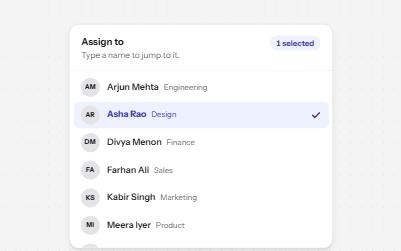

Listbox
A list of options to choose one or several from, with arrow keys, typing to jump and a count of what is selected.
Form inputs
WCAG criteria:1.3.11.4.12.1.12.4.74.1.24.1.3+3
7 keyboard rules
-
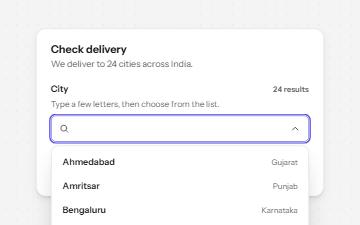
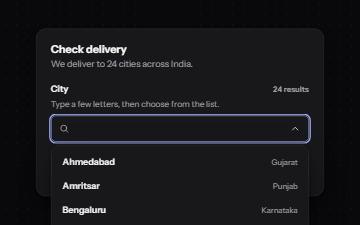
Combobox with autocomplete
A text field that filters a list of suggestions as you type, with arrow keys to pick one and a live count of matches.
Form inputs
WCAG criteria:1.3.11.4.12.1.12.4.73.2.24.1.24.1.3+4
7 keyboard rules
-
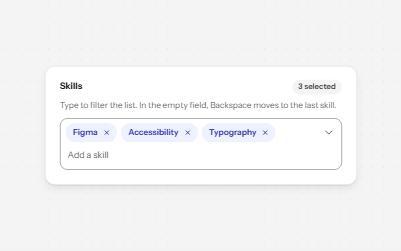
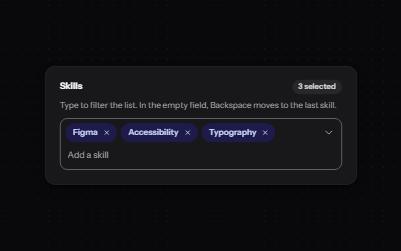
Multi-select with tags
A field that filters a list as you type and turns each choice into a removable chip, for picking several values.
Form inputs
WCAG criteria:1.3.12.1.12.4.32.4.72.5.84.1.24.1.3+4
7 keyboard rules
-
Date picker
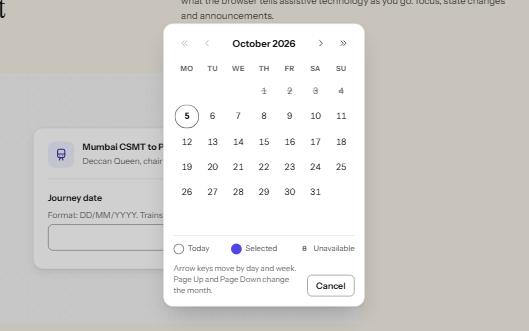
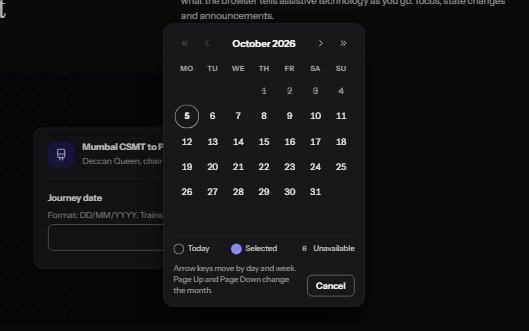
A date field that takes a typed date or opens a calendar dialog, with a month grid driven by the arrow keys.
Form inputs
WCAG criteria:1.3.11.4.12.1.12.4.33.3.13.3.24.1.2+4
9 keyboard rules
-
Time picker
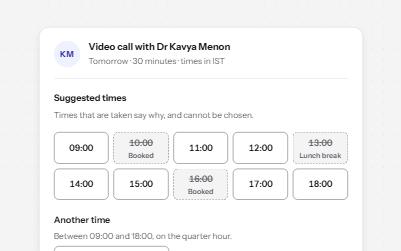
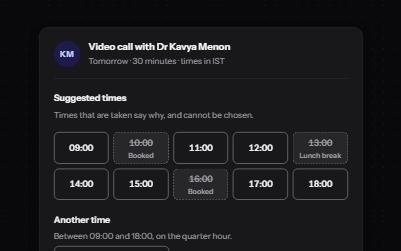
Suggested times as a radio group, taken ones disabled with the reason, and a native time field for any other time.
Form inputs
WCAG criteria:1.3.11.4.12.1.12.5.83.3.13.3.24.1.3+4
6 keyboard rules
-
Number input
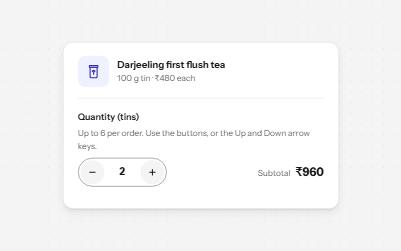
A quantity field with minus and plus buttons, arrow-key steps, limits it explains, and a total that keeps up.
Form inputs
WCAG criteria:1.3.12.1.12.5.83.3.13.3.24.1.24.1.3+4
5 keyboard rules
-
Slider
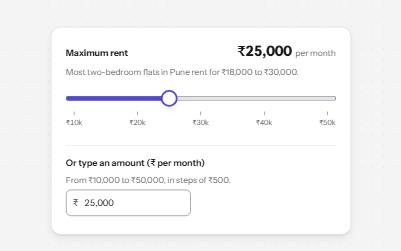
A native range input styled with a filled track and a large thumb, its value said with units, and a number field kept in step.
Form inputs
WCAG criteria:1.3.11.4.112.1.12.4.72.5.72.5.84.1.2+4
6 keyboard rules
-
Range slider
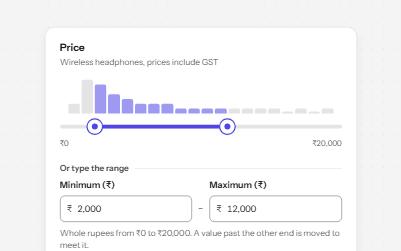
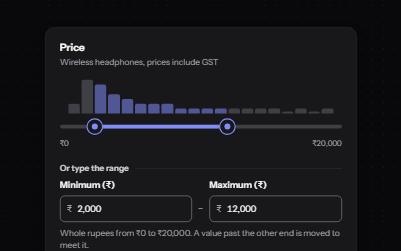
Two thumbs on one track that set a minimum and a maximum, with typed fields as an alternative and a live result count.
Form inputs
WCAG criteria:1.3.12.1.12.5.72.4.74.1.24.1.31.4.11+4
6 keyboard rules
-
File upload
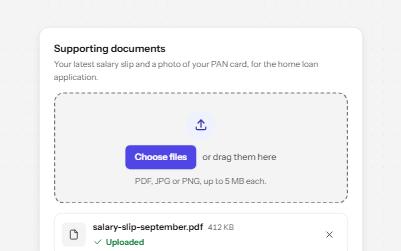
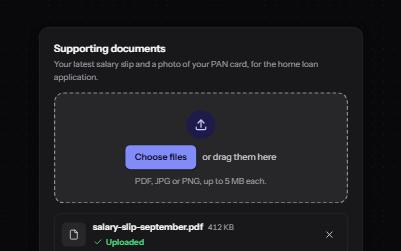
A drop zone that is a real file input underneath, with a file list, per-file progress, errors in words and a Remove button each.
Form inputs
WCAG criteria:1.3.12.1.12.5.33.3.13.3.24.1.24.1.3+4
3 keyboard rules
-
One-time code
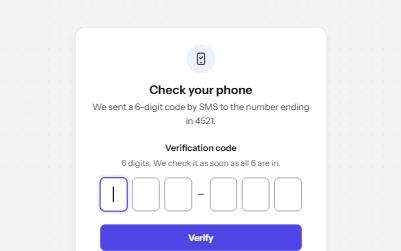
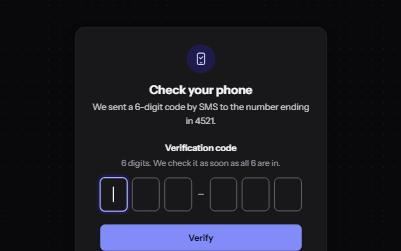
A one-time code entered in one real field drawn as six boxes, so paste, autofill and password managers all work.
Form inputs
WCAG criteria:1.3.52.2.13.2.23.3.13.3.24.1.24.1.3+4
6 keyboard rules
-
Search field
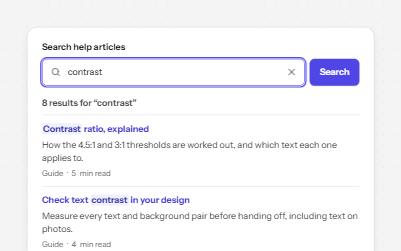
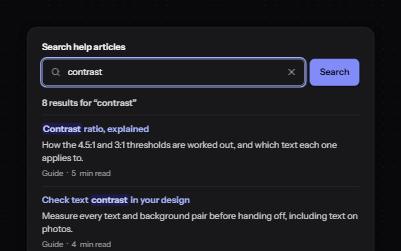
A labelled search landmark with a clear button, recent searches, and a result count that is announced without moving focus.
Form inputs
WCAG criteria:1.3.12.4.62.4.33.2.23.3.34.1.24.1.3+4
4 keyboard rules
-
Color picker
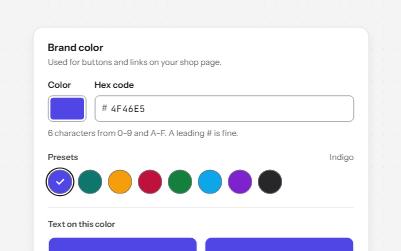
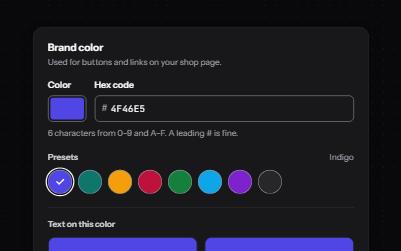
A native color input and a validated hex field kept in sync, named preset swatches, and contrast against white and black in words.
Form inputs
WCAG criteria:1.1.11.4.11.4.112.1.13.3.13.3.24.1.3+4
5 keyboard rules
-
Star rating
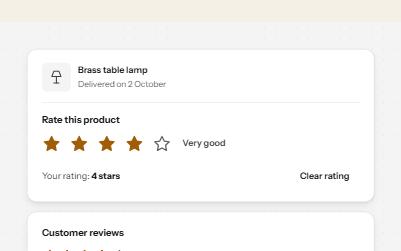
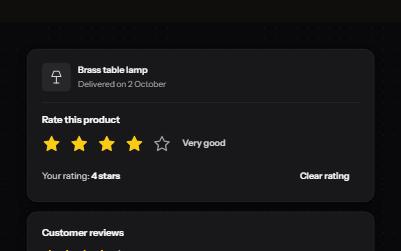
A star rating made of five radio buttons in a fieldset, with a hover preview, and a read-only average written in words.
Form inputs
WCAG criteria:1.1.11.3.11.4.11.4.112.1.12.4.74.1.3+4
5 keyboard rules
Forms and flows
10 patternsWhole forms and the journeys they belong to.
-
Form errors
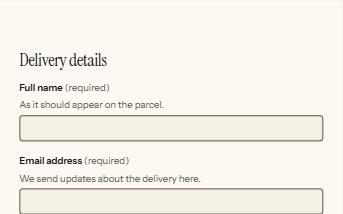
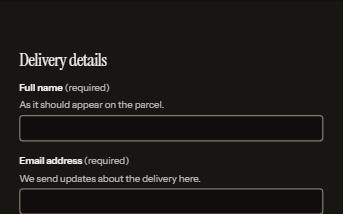
An error summary that takes focus, messages tied to each field, and a status message when the form is sent.
Forms and flows
WCAG criteria:1.3.11.3.53.3.13.3.23.3.34.1.24.1.3+4
5 keyboard rules
-
Inline validation
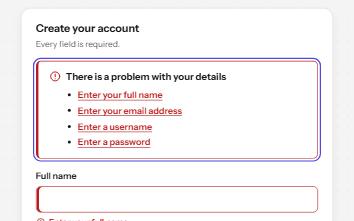
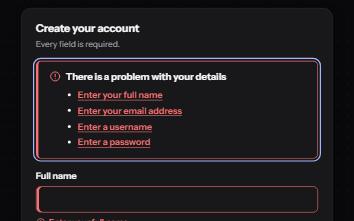
A sign-up form that checks each field as it is left, once typed in, with ticks and errors in words and a summary on submit.
Forms and flows
WCAG criteria:1.3.11.3.51.4.13.2.23.3.13.3.34.1.3+4
4 keyboard rules
-
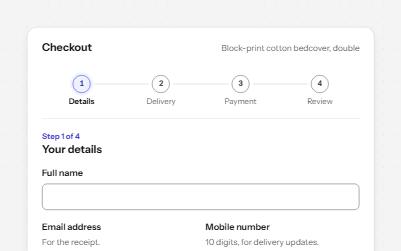
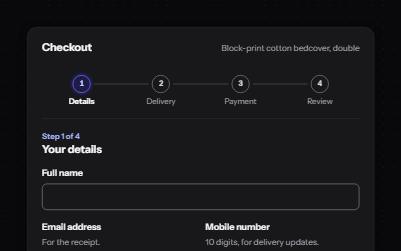
Multi-step form
A checkout split into four steps, with a progress list, a heading that takes focus on every step, and a review to change answers.
Forms and flows
WCAG criteria:1.3.11.3.52.4.32.4.63.3.13.3.43.3.74.1.2+5
5 keyboard rules
-
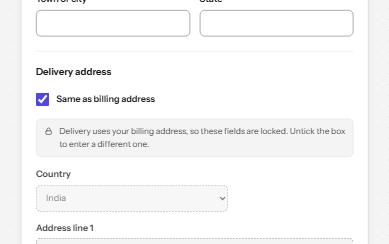
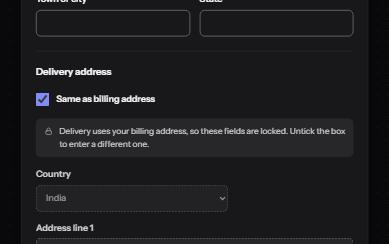
Address form
Billing and delivery addresses with the right autofill, formats that follow the country, a PIN code lookup and Same as billing.
Forms and flows
WCAG criteria:1.3.11.3.53.2.23.3.13.3.23.3.74.1.3+4
4 keyboard rules
-
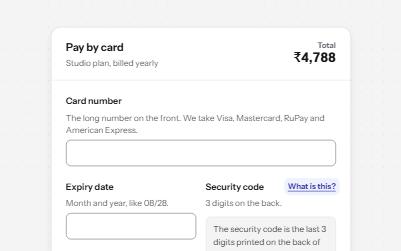
Payment form
A card payment form that spaces the number as you type, names the brand in words, explains the security code and shows progress.
Forms and flows
WCAG criteria:1.3.11.3.52.5.33.3.13.3.33.3.44.1.3+4
5 keyboard rules
-
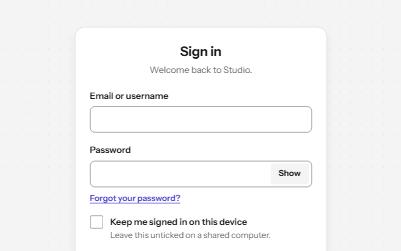
Sign in
A sign-in form password managers can fill, with show password, paste allowed, a helpful error and no-password ways in.
Forms and flows
WCAG criteria:1.3.52.4.33.3.13.3.33.3.84.1.24.1.3+4
4 keyboard rules
-
Sign up
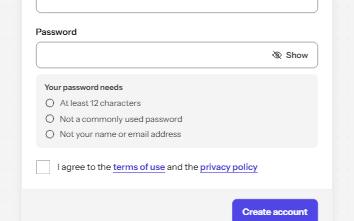
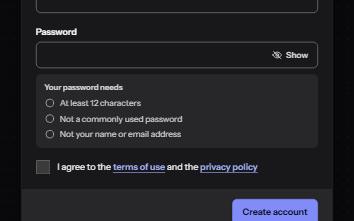
An account form with autofill, a password checklist that speaks only when a rule changes, Show password, and an error summary.
Forms and flows
WCAG criteria:1.3.51.4.13.3.13.3.33.3.73.3.84.1.3+4
4 keyboard rules
-
Session timeout warning
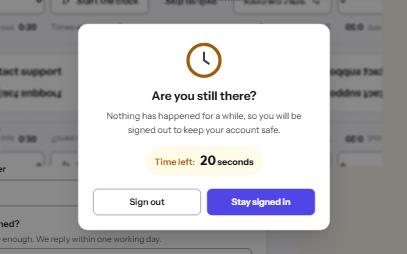
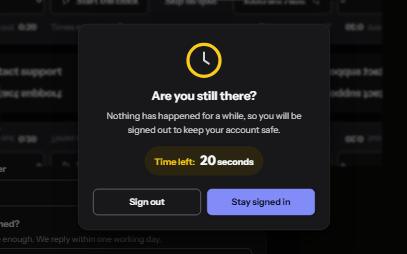
A warning before an idle session ends, with a visible countdown, Stay signed in as the default, and nothing lost on expiry.
Forms and flows
WCAG criteria:2.2.12.2.52.2.62.4.34.1.24.1.3+3
5 keyboard rules
-
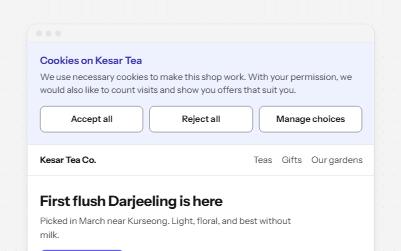

Cookie consent
A cookie banner that sits in the page instead of over it, with equal Accept, Reject and Manage buttons and a way back in.
Forms and flows
WCAG criteria:1.3.12.1.22.4.32.4.114.1.24.1.3+3
5 keyboard rules
-
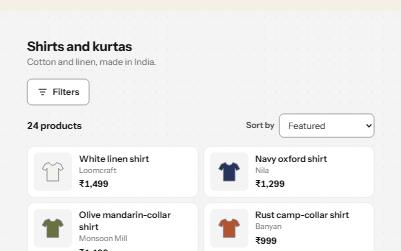
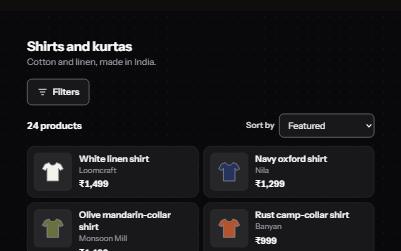
Search filters
A product filter panel: grouped checkboxes with counts, a price range, sort, removable chips and a result count that is announced.
Forms and flows
WCAG criteria:1.3.12.4.33.2.23.3.14.1.24.1.32.5.8+4
5 keyboard rules
Feedback and status
11 patternsTelling people what happened, what is happening, and how far along it is.
-
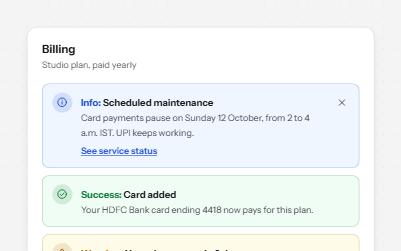
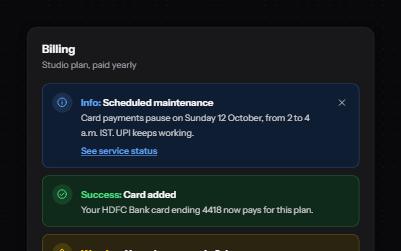
Alert banner
Messages in four tones, each with a word and an icon, and role=alert only for errors that happen while someone works.
Feedback and status
WCAG criteria:1.3.11.4.12.4.33.3.14.1.24.1.3+3
3 keyboard rules
-
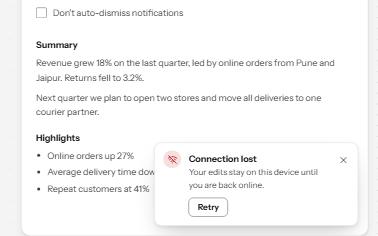
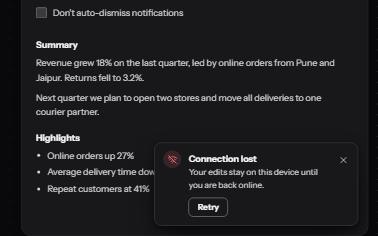
Toast notifications
Short messages that appear in a corner, are announced politely, never take focus, and wait while you read or act on them.
Feedback and status
WCAG criteria:1.3.12.1.12.2.12.4.32.4.114.1.24.1.3+4
4 keyboard rules
-
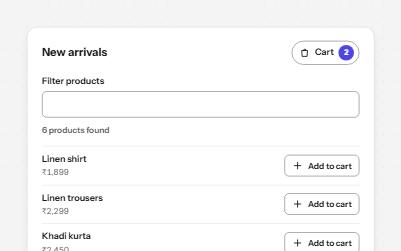
Status message
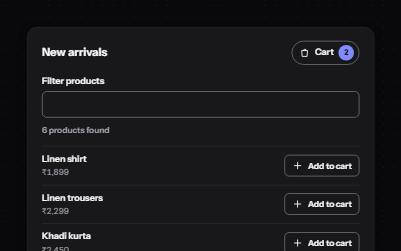
Results, confirmations and saves told to screen readers through role=status, without moving focus, once each time.
Feedback and status
WCAG criteria:1.3.12.5.33.2.24.1.24.1.3+2
4 keyboard rules
-
Progress bar
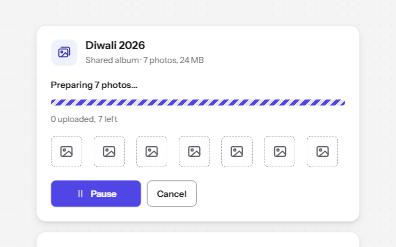
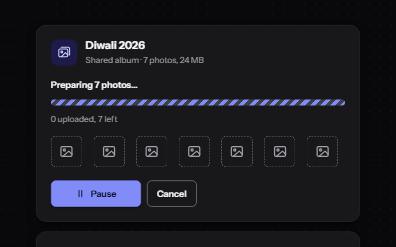
Determinate and indeterminate progress on the native progress element, with a label, visible numbers and milestone announcements.
Feedback and status
WCAG criteria:1.3.11.4.112.3.34.1.24.1.3+2
4 keyboard rules
-
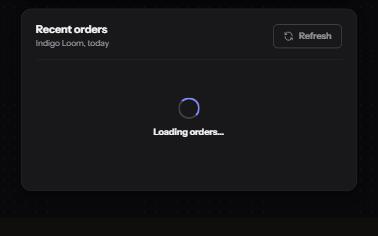
Loading state
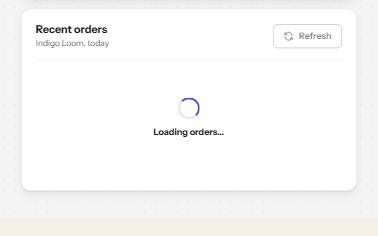
A busy button that keeps focus, a region marked busy while it loads, a spinner with words, and a note when it runs long.
Feedback and status
WCAG criteria:1.3.12.3.32.4.34.1.24.1.3+2
3 keyboard rules
-
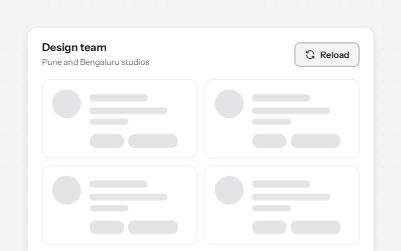
Skeleton loader
Placeholder shapes that hold the layout while content loads, hidden from screen readers, with one message when it arrives.
Feedback and status
WCAG criteria:1.3.12.3.34.1.3
2 keyboard rules
-
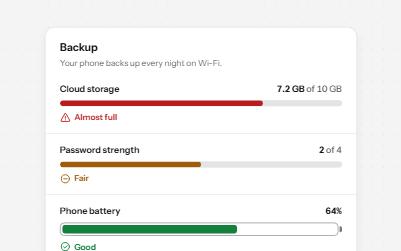
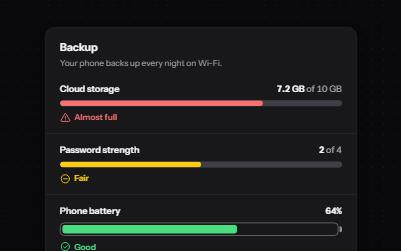
Meter
A gauge for a value inside a known range, like storage used or battery left, with its state in words as well as color.
Feedback and status
WCAG criteria:1.4.31.3.11.4.11.4.114.1.24.1.3+3
5 keyboard rules
-
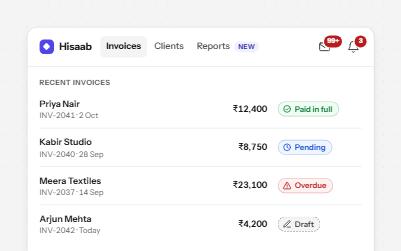
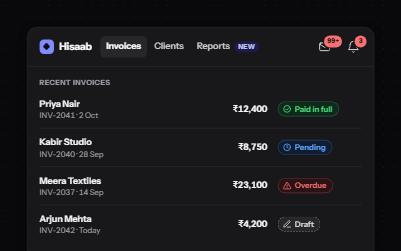
Badge and count
Counts and status labels that carry their meaning in words: a count inside the button's name, and pills with an icon and text.
Feedback and status
WCAG criteria:1.1.11.3.11.4.11.4.32.4.44.1.24.1.3+4
4 keyboard rules
-
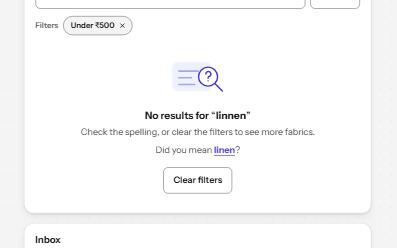
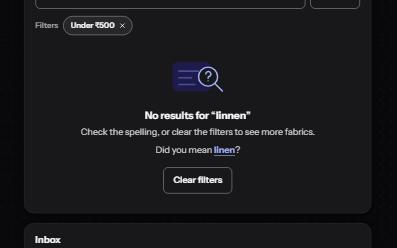
Empty state
What to show when a list has nothing in it: why it is empty, and the one action that fills it, announced when it changes.
Feedback and status
WCAG criteria:1.1.11.3.12.4.32.4.63.3.34.1.3+3
7 keyboard rules
-
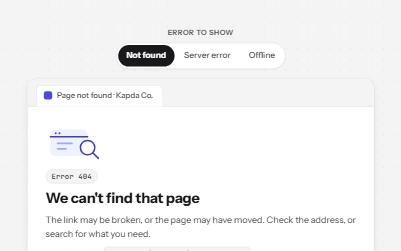
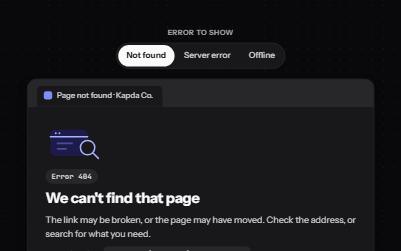
Error page
A 404, 500 or offline page that says what happened in plain words, keeps the way forward close, and never reloads on its own.
Feedback and status
WCAG criteria:1.1.11.3.12.4.32.4.22.4.63.2.54.1.3+4
4 keyboard rules
-
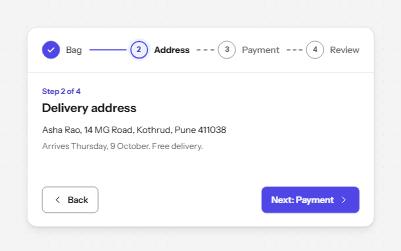
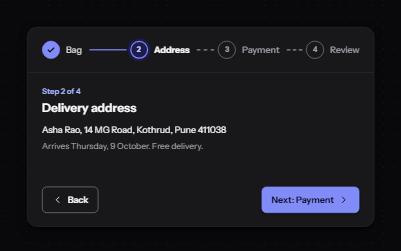
Progress steps
A row of numbered steps that says which are done, which is current and which are still to come, with Back and Next to move.
Feedback and status
WCAG criteria:1.3.11.4.11.4.102.4.32.4.84.1.3+3
4 keyboard rules
Data display
13 patternsTables, grids, trees, charts and lists.
-
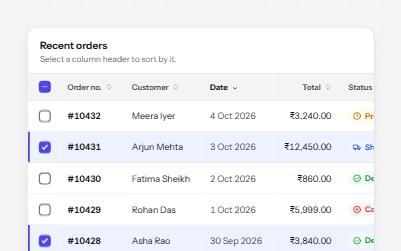
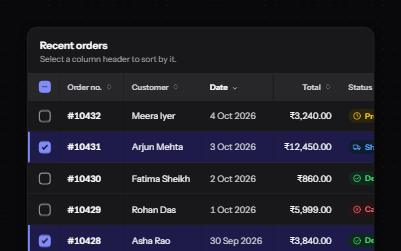
Sortable table
A data table with a caption, row headers, sort buttons that report the order, and row selection with a mixed Select all.
Data display
WCAG criteria:1.3.11.4.102.1.12.4.72.4.114.1.24.1.3+4
4 keyboard rules
-
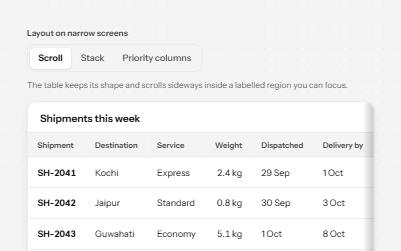
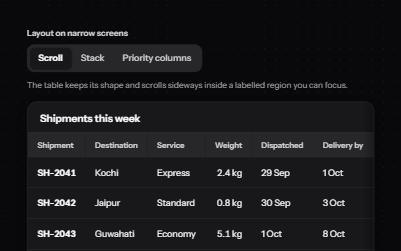
Responsive table
One table, three ways to fit a narrow screen: scroll it in a labelled region, stack rows into cards, or hide minor columns.
Data display
WCAG criteria:1.3.11.3.21.4.102.1.12.4.74.1.2+3
3 keyboard rules
-
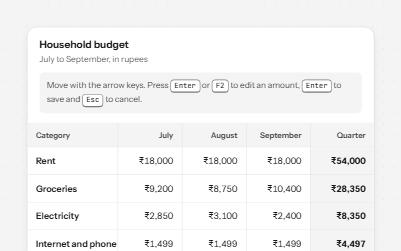
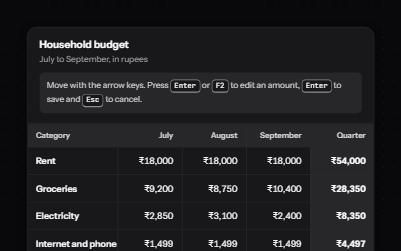
Data grid
A spreadsheet-like grid with one tab stop: arrow keys move between cells, Enter edits an amount, and totals are announced.
Data display
WCAG criteria:1.3.12.1.12.4.32.4.73.3.14.1.24.1.3+4
8 keyboard rules
-
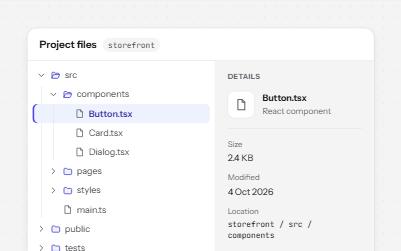
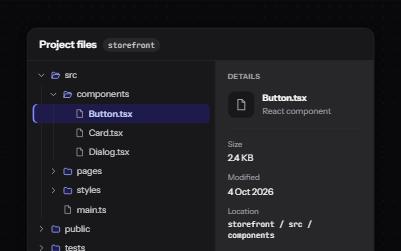
Tree view
A file explorer tree: one tab stop, arrow keys to open, close and move, type-ahead, and a details pane for the chosen file.
Data display
WCAG criteria:1.3.11.4.12.1.12.4.32.4.74.1.2+3
7 keyboard rules
-
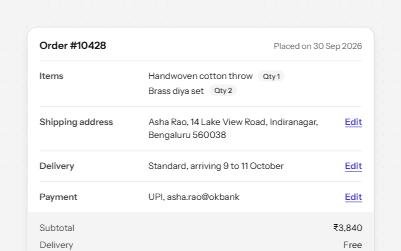
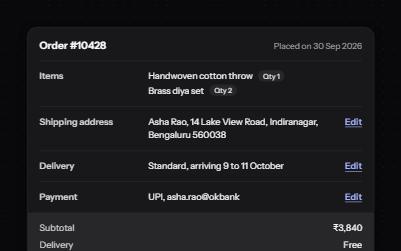
Description list
Name and value pairs in dl, dt and dd: an order summary and a profile card, with Edit links that say what they edit.
Data display
WCAG criteria:1.3.11.3.21.4.102.4.42.4.72.5.8+3
2 keyboard rules
-
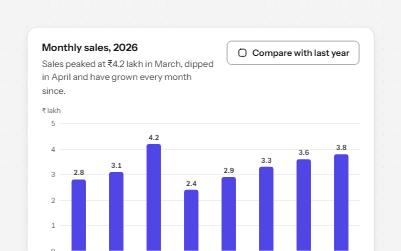
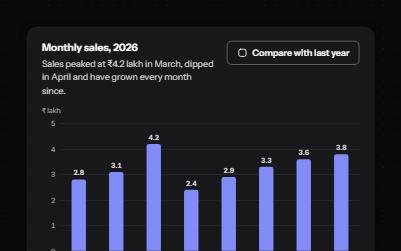
Accessible bar chart
A column chart people can read without seeing it: named bars on one tab stop, a tooltip that stays put, and a table.
Data display
WCAG criteria:1.1.11.3.11.4.11.4.111.4.132.1.12.4.7+4
5 keyboard rules
-
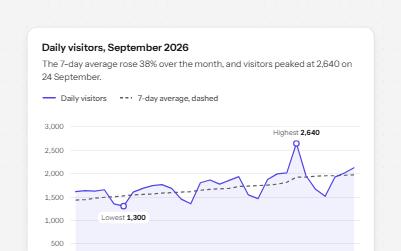
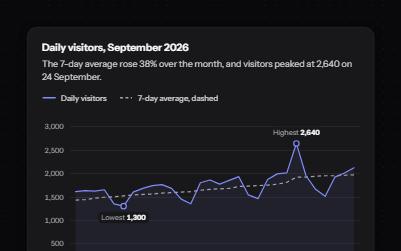
Accessible line chart
A line chart with a crosshair you can drive from the keyboard, each day read out, the peak marked and a table behind it.
Data display
WCAG criteria:1.1.11.3.11.4.11.4.111.4.132.1.14.1.3+4
6 keyboard rules
-
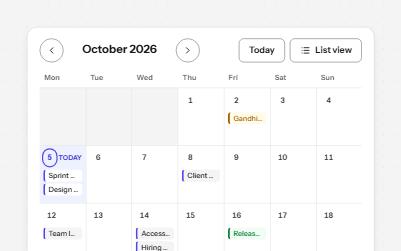
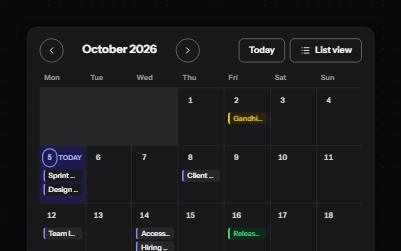
Calendar
A month of events as a grid with one tab stop, today marked in words, a day's events below, and a list view.
Data display
WCAG criteria:1.3.11.4.12.1.12.4.32.4.74.1.24.1.3+4
7 keyboard rules
-
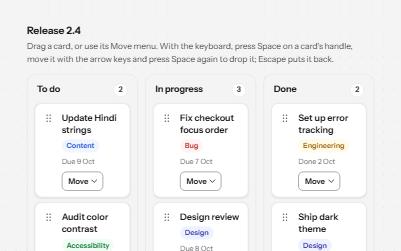
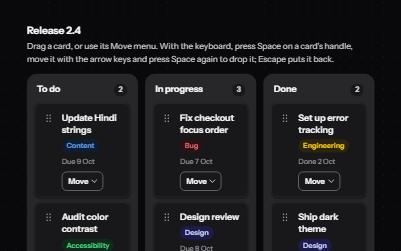
Kanban board
A board of cards in columns that can be dragged with a mouse, moved from a menu, or picked up and carried with the keyboard.
Data display
WCAG criteria:1.3.12.1.12.4.32.4.72.5.74.1.24.1.3+4
7 keyboard rules
-
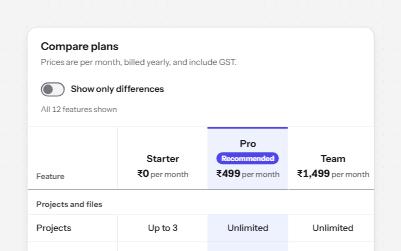
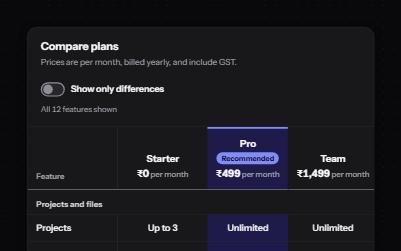
Comparison table
Plans side by side in a real table: plan and feature headers, ticks with words, and a filter that says what it hid.
Data display
WCAG criteria:1.3.11.4.11.4.102.1.12.4.64.1.24.1.3+4
4 keyboard rules
-
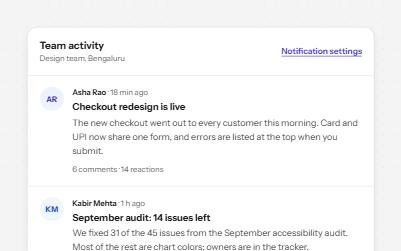
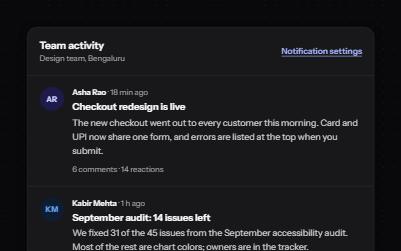
Feed with load more
A stream of posts people read in order, with keys to move post by post, a Load more button and new posts that wait.
Data display
WCAG criteria:1.3.12.1.12.2.22.4.32.4.114.1.24.1.3+4
6 keyboard rules
-
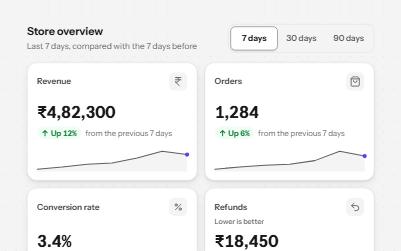
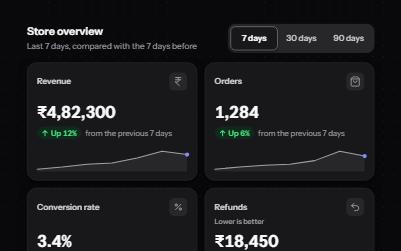
Stat cards
Headline numbers in cards, each with a heading, its change in words and an arrow, and a period switch that speaks once.
Data display
WCAG criteria:1.1.11.3.11.4.11.4.101.4.112.4.64.1.3+4
3 keyboard rules
-
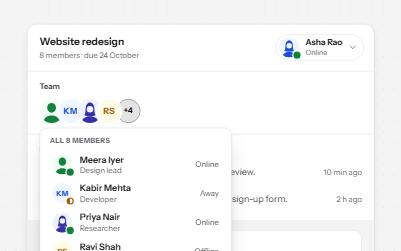
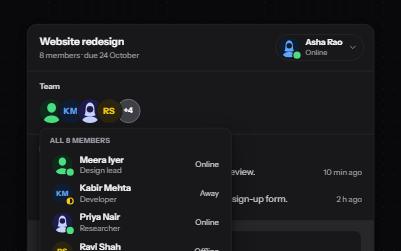
Avatar and presence
Pictures and initials for people: named when they stand alone, hidden beside a name, with presence in words.
Data display
WCAG criteria:1.1.11.4.11.4.31.4.112.5.34.1.2+3
4 keyboard rules
Media
7 patternsImages, video, audio and their alternatives.
-
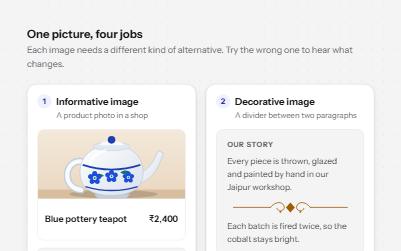
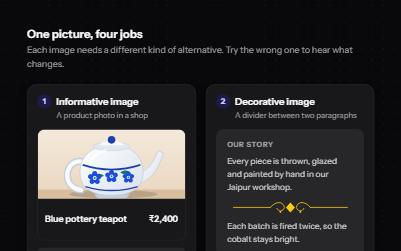
Image alternatives
Four kinds of image with the alt text each needs, what a screen reader says when it is wrong, and a decision tree.
Media
WCAG criteria:1.1.11.3.11.4.52.4.44.1.24.1.3+3
4 keyboard rules
-
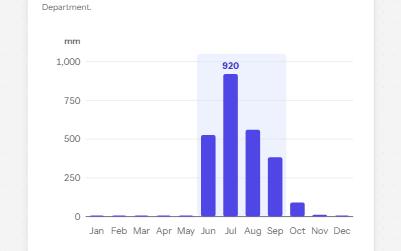
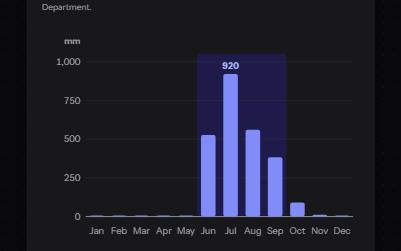
Complex image
A chart with a short alt that gives its point, a long description in a disclosure, and its data in a table beside it.
Media
WCAG criteria:1.1.11.3.11.4.11.4.114.1.2+2
2 keyboard rules
-


Video player
Custom video controls that all work from the keyboard, with captions, a transcript, speed, full screen and no autoplay.
Media
WCAG criteria:1.2.21.2.31.4.22.1.12.1.44.1.24.1.3+4
6 keyboard rules
-
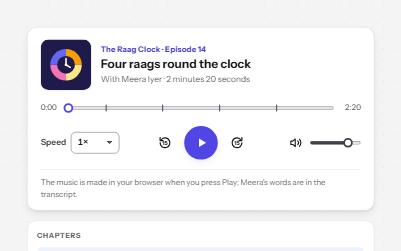
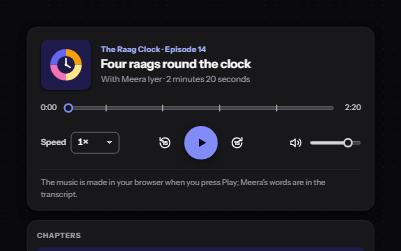
Audio player
A podcast player with labelled controls, chapters that seek, a transcript that follows along, and nothing playing on load.
Media
WCAG criteria:1.2.11.4.22.1.12.2.24.1.24.1.3+3
6 keyboard rules
-
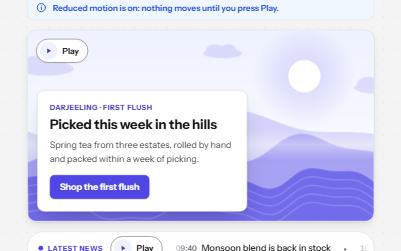
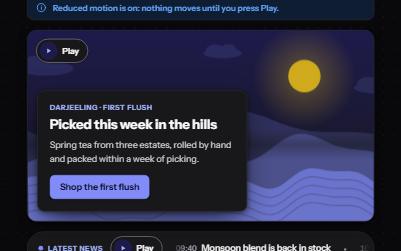
Moving content with pause
A background loop, a news ticker, an animation and a sound, each with its own Pause or Play, and still under reduced motion.
Media
WCAG criteria:2.2.21.4.21.1.12.3.32.1.12.4.34.1.2+4
5 keyboard rules
-
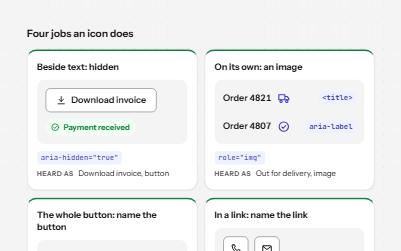
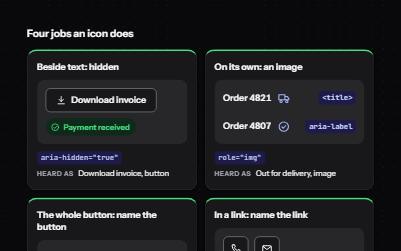
Icons
Icons that are decoration, icons that carry meaning and icons that are the whole control, each exposed the right way.
Media
WCAG criteria:1.1.11.4.112.4.42.5.34.1.24.1.3+3
3 keyboard rules
-
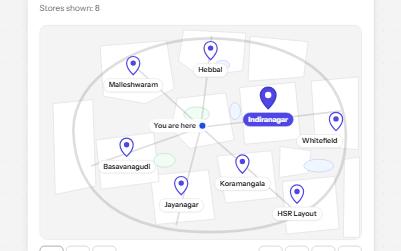
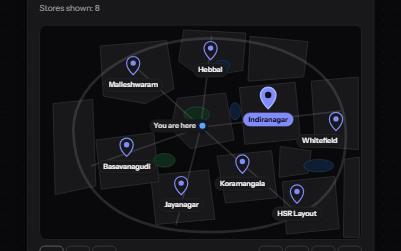
Map with a text alternative
A store map you can use by keyboard, with zoom and move buttons, and the same stores always written out as a list.
Media
WCAG criteria:1.1.12.1.12.4.32.4.112.5.74.1.24.1.3+4
6 keyboard rules
Interaction and motion
9 patternsDragging, resizing, shortcuts, motion and preferences.
-
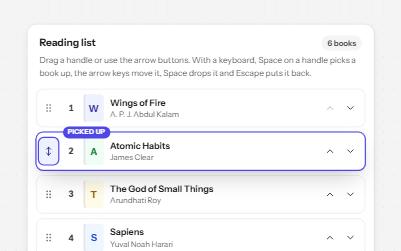
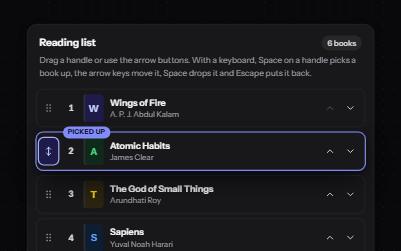
Sortable list
A list people reorder by dragging a handle, with Move up and Move down buttons and a keyboard mode that announces each move.
Interaction and motion
WCAG criteria:1.3.12.1.12.4.32.5.72.5.84.1.24.1.3+4
6 keyboard rules
-
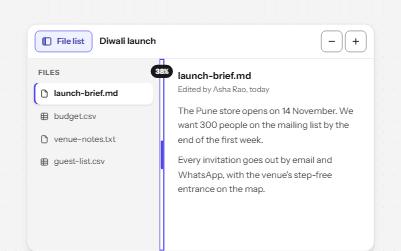
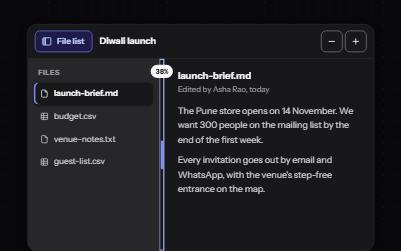
Resizable panels
Two panes with a draggable separator between them that also moves with the arrow keys, collapses with Enter and reports its size.
Interaction and motion
WCAG criteria:1.4.112.1.12.4.72.5.72.5.84.1.24.1.3+4
5 keyboard rules
-
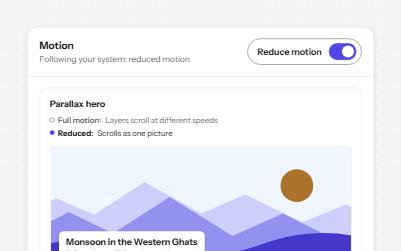
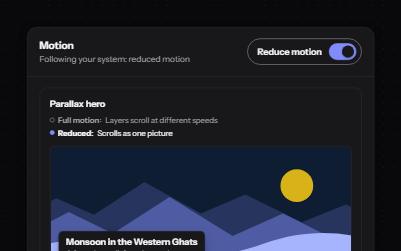
Reduced motion
Animated pieces that follow the system's reduced motion setting, with a switch to override it, swapping movement for fades.
Interaction and motion
WCAG criteria:2.1.12.2.22.3.32.4.34.1.24.1.3+3
4 keyboard rules
-
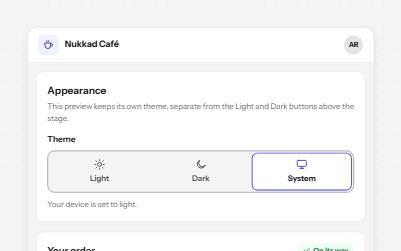
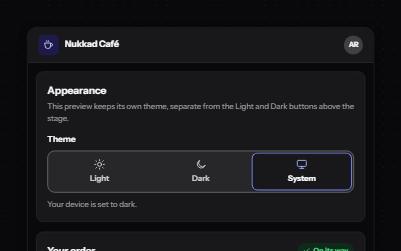
Theme switcher
A Light, Dark and System choice that themes the page at once, follows the device when asked and remembers the pick.
Interaction and motion
WCAG criteria:1.3.11.4.31.4.112.1.13.2.24.1.24.1.3+4
4 keyboard rules
-
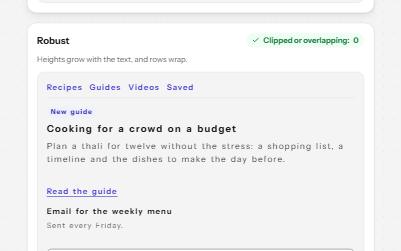
Text size and spacing
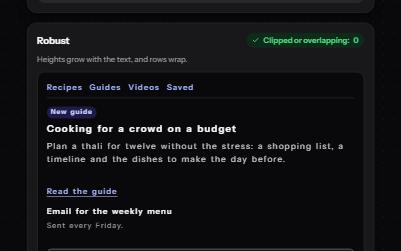
A card that stays readable when people enlarge its text or widen its spacing, beside a fragile one that clips.
Interaction and motion
WCAG criteria:1.4.121.4.41.4.102.1.14.1.24.1.3+3
5 keyboard rules
-
Focus indicator
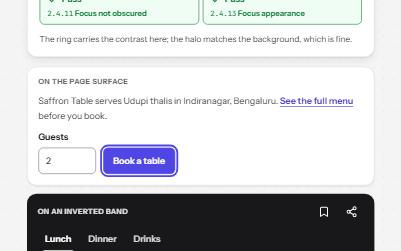
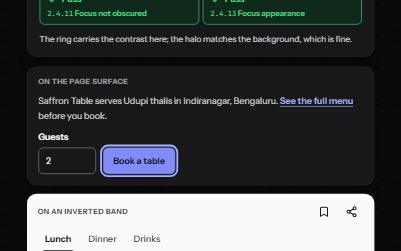
A focus ring you can always see: two colors, at least 2 px, never under a sticky bar, with a live meter that measures it.
Interaction and motion
WCAG criteria:2.4.71.4.112.4.112.4.122.4.13+2
4 keyboard rules
-
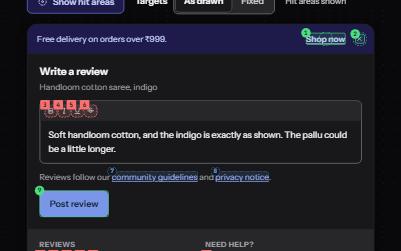
Target size
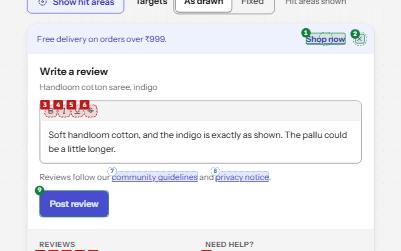
Targets big enough to hit: 24 px or well spaced at AA, 44 px at AAA, with an overlay that measures every one.
Interaction and motion
WCAG criteria:2.5.82.5.52.1.12.4.74.1.2+2
4 keyboard rules
-
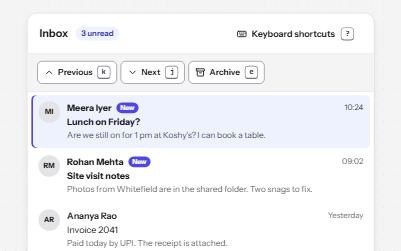
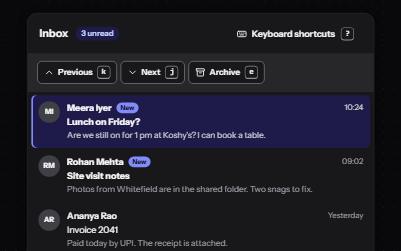
Keyboard shortcuts
Single-key shortcuts that are off until turned on, can be remapped, work only in their list, and repeat a visible button.
Interaction and motion
WCAG criteria:2.1.42.1.13.3.13.3.24.1.24.1.3+3
7 keyboard rules
-
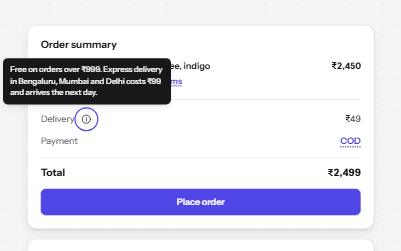
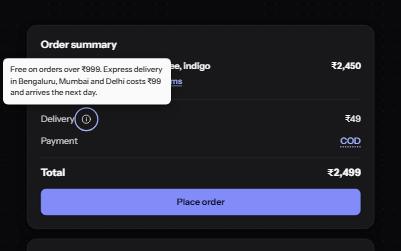
Content on hover or focus
Definitions, profile cards and previews that appear on hover and focus, and can be dismissed, hovered and kept open.
Interaction and motion
WCAG criteria:1.4.132.1.12.4.32.4.114.1.2+2
3 keyboard rules
Layout and structure
7 patternsThe page skeleton assistive technology navigates by.
-
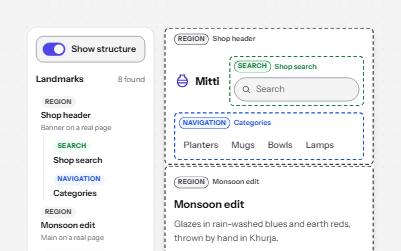
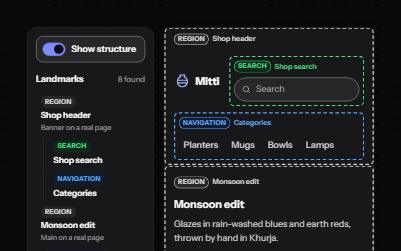
Landmarks
Header, navigation, main, search and footer regions that let screen reader users jump straight to each part of a page.
Layout and structure
WCAG criteria:1.3.12.4.12.4.32.4.62.4.74.1.2+3
4 keyboard rules
-
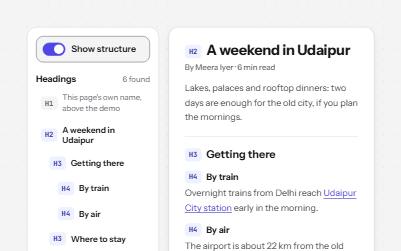
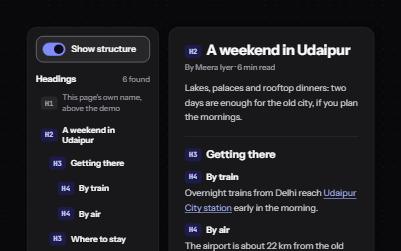
Heading structure
Headings whose levels follow the page's outline, so screen reader users can scan a page and jump straight to a section.
Layout and structure
WCAG criteria:1.3.12.4.12.4.62.4.102.4.34.1.2+3
4 keyboard rules
-
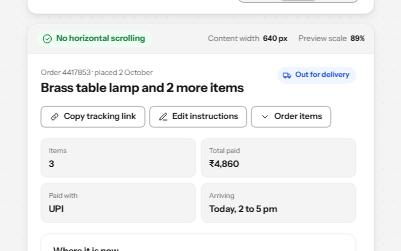
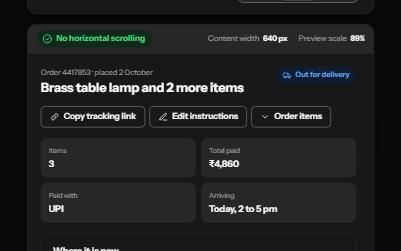
Reflow
A page that fits 320 CSS pixels, a 1280-pixel window at 400% zoom, with no sideways scrolling and nothing cut off.
Layout and structure
WCAG criteria:1.4.101.4.41.3.22.1.14.1.24.1.3+3
6 keyboard rules
-
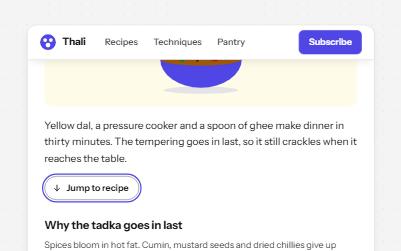
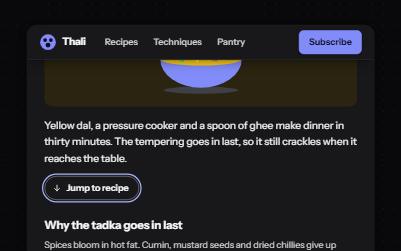
Sticky header that keeps focus visible
A header that stays at the top while you scroll, shrinks out of the way, and never covers the element with keyboard focus.
Layout and structure
WCAG criteria:2.4.112.4.12.4.32.4.72.1.12.3.3+3
5 keyboard rules
-
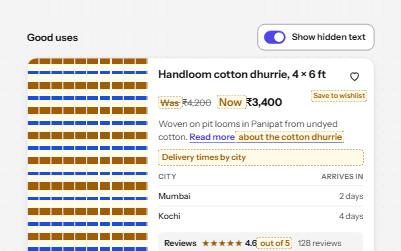
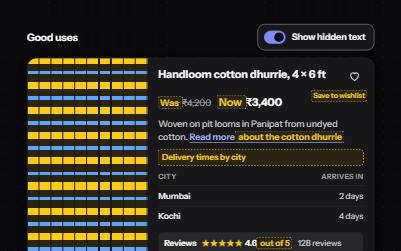
Visually hidden text
Text that screen readers read but the screen does not show, hidden the one way that keeps it in the accessibility tree.
Layout and structure
WCAG criteria:1.1.11.3.12.4.42.4.72.5.34.1.24.1.3+4
4 keyboard rules
-
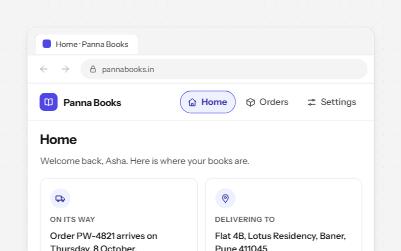
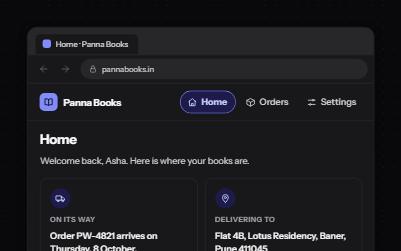
Focus after a page change
Single-page app navigation that does what a page load would: a new title, focus on the heading, an announcement, a working Back.
Layout and structure
WCAG criteria:1.3.12.1.12.4.22.4.32.4.82.4.114.1.3+4
6 keyboard rules
-
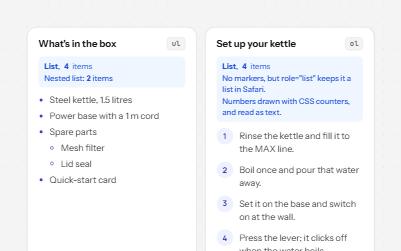
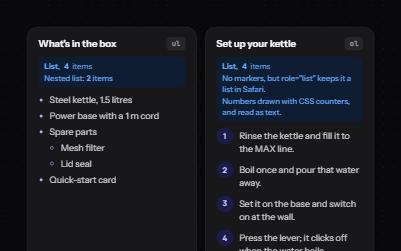
Lists and groups
Bulleted, numbered and description lists that announce their size, even when styled as cards, tags or numbered steps.
Layout and structure
WCAG criteria:1.3.11.3.21.4.102.4.4+1
2 keyboard rules
Communication
6 patternsConversations, comments, notifications and reactions.
-
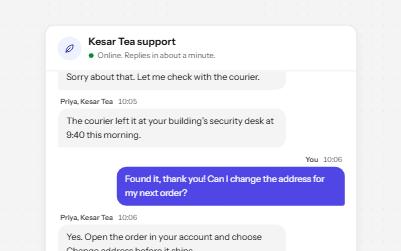
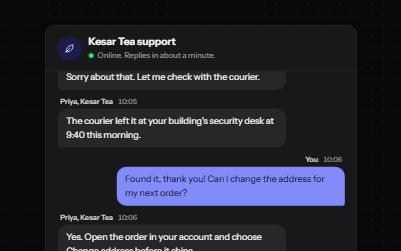
Chat
A support chat whose history is a live log: new messages are read out as they arrive, and focus stays where you are typing.
Communication
WCAG criteria:1.3.11.4.12.1.12.4.33.3.14.1.24.1.3+4
5 keyboard rules
-
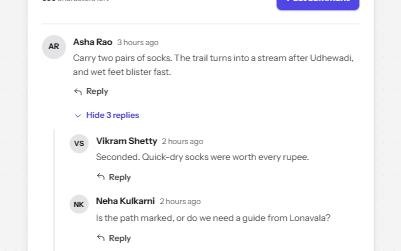
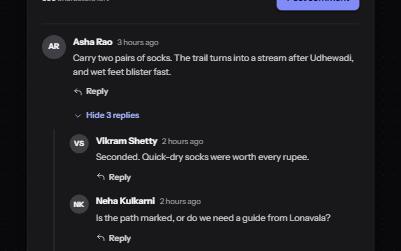
Comment thread
A threaded discussion with replies that open in place, collapsible threads, and edit or delete for your own comments.
Communication
WCAG criteria:1.3.12.1.12.4.33.3.13.3.44.1.24.1.3+4
4 keyboard rules
-
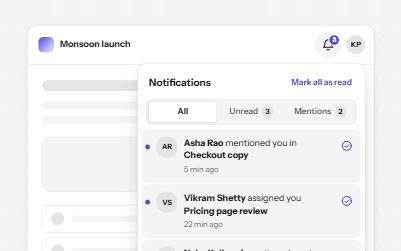
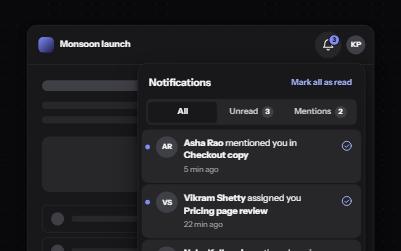
Notification center
A bell that opens a panel of notifications, with read and unread in words, filters, and new arrivals announced once.
Communication
WCAG criteria:1.3.11.4.12.1.12.2.22.4.34.1.24.1.3+4
5 keyboard rules
-
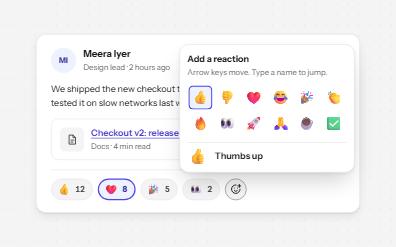
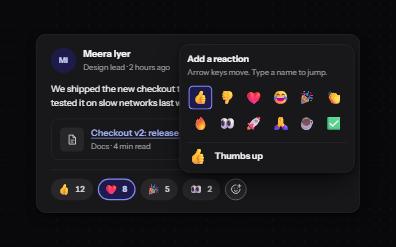
Reactions
Emoji reactions as toggle buttons named with their meaning and count, a keyboard emoji picker, and who reacted on focus.
Communication
WCAG criteria:1.1.11.4.11.4.132.1.12.5.34.1.24.1.3+4
6 keyboard rules
-
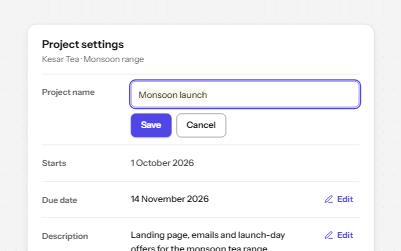
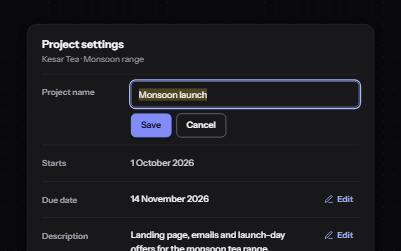
Inline edit
Values shown as text with an Edit button beside each, that turn into a field with Save and Cancel and return focus after.
Communication
WCAG criteria:1.3.12.1.12.4.32.5.33.3.14.1.24.1.3+4
5 keyboard rules
-
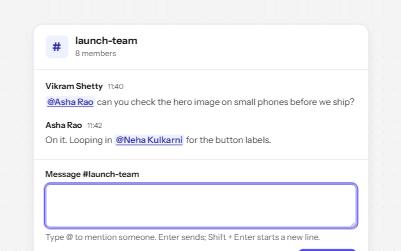
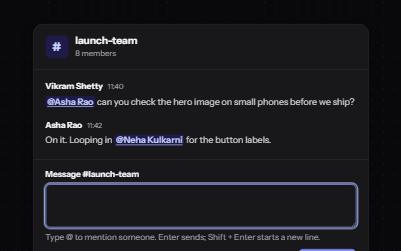
Mentions
A message box where @ opens a filtered list of people, picked by keyboard, with mentions sent as links to each person.
Communication
WCAG criteria:1.3.12.1.12.1.22.4.43.2.24.1.24.1.3+4
5 keyboard rules
Matching patterns
No pattern matches
Try a shorter word, or search for what the component does, like “announce” or “drag”. A criterion number such as 2.4.7 works too.
Method
How every pattern is built
The same rules for all of them, so one that passes is not an accident.
- Native HTML first. A real button, link, input or dialog does most of the work; ARIA is added only where HTML has no element for the job.
- Every action from the keyboard. Keys follow the WAI-ARIA Authoring Practices, and focus is always visible and never trapped.
- Colors that pass, in both themes. The components share one set of design tokens, and a test measures every text and control pair against WCAG 2.2.
- Checked, and honest about it. Each demo passes axe in light and dark, at desktop and phone widths; announcements are written as expected, not claimed as recorded.
- Code you can lift. The HTML, CSS and JavaScript on each page are the files the demo runs on, with no framework to install.
Checking a whole site rather than one component?